Dual Laptop Vertical Stand for 2-Monitor Workspaces Compared
By Maya Okafor • 28th Oct
If you're juggling two laptops in a multi-display workstation, neck strain and desk clutter are probably your daily companions. That's where a dual laptop vertical stand transforms chaos into calm (if you choose the right one for your body and space). Too many professionals waste money on stands that wobble, overheat devices, or simply do not fit their measurements. I've seen it firsthand: a teammate once ached for weeks because her screen sat two inches too low, not because she lacked willpower, but because she skipped the five minutes of measuring that could have prevented it. Today, I'll show you how to use simple measurements to find your perfect fit, avoid common pitfalls, and reclaim comfort in your hybrid workspace.
Why Measurements Beat Vibes Every Time
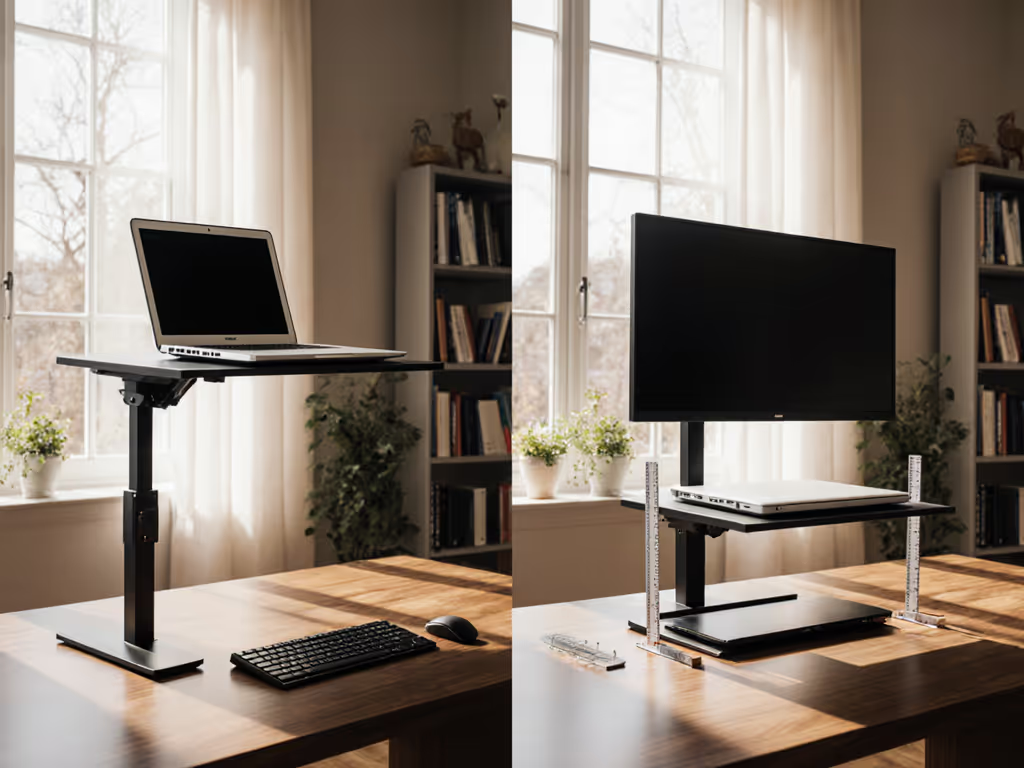
Ergonomic claims flood the market, but "one-size-fits-all" stands rarely fit your body or desk. As a specialist in small-space setups, I watch professionals default to trial-and-error purchases, only to face return fatigue when stands cause wrist extension or block ports. If wrist strain is your main issue, see our ergonomic wrist setup guide. Confidence starts with numbers you can collect in five minutes, not marketing promises. Remember my teammate? We did not guess at a solution. We measured her eye height (24"), desk depth (22"), and laptop thickness (0.6") with a tape measure and a novel. Ten minutes later, she propped her MacBook securely against a bookshelf, then bought a stand that matched her numbers. That's the power of starting with measurements, not vibes.
The Three-Measurement Method: Your Pain-Free Foundation
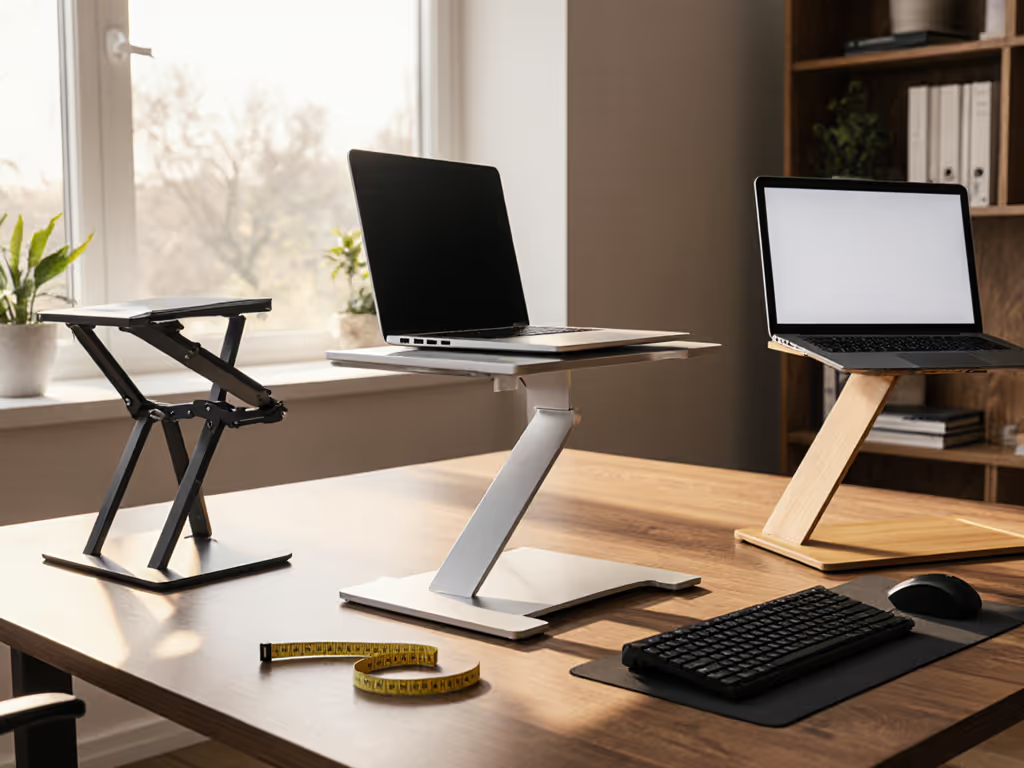
Stop scrolling through specs. Grab a tape measure and notebook, this takes less than five minutes:
- Eye Height Sitting/Standing: Sit normally at your desk. Have someone mark a sticky note on your monitor exactly level with your pupils. Measure from desk surface to that mark. For precise positioning, use our eye-level height calculator. (Pro tip: If working with standing desks, repeat standing!)
- Desk Depth: Measure front-to-back space between your keyboard and monitor edge. Critical for shallow desks under 24".
- Laptop Thickness: Close your device and measure its thickest point (usually near hinges). Must match the stand's slot width range.
These three numbers tell you everything. A stand claiming "fits all 13-17" laptops" is useless if your 0.6" MacBook Air will not grip its 0.8"-min slot, or if its max height falls short of your eye level.
Matching Measurements to Real Workspace Problems
Your numbers directly solve the top pain points professionals face. Let's decode them:
Stability & Wobble: The Silent Productivity Killer
Problem: Stands slipping when typing, especially with heavier 15-17" laptops on glossy desks. Your Fix: Cross-check your desk depth against the stand's base footprint. If your desk is shallow (under 22"), stands wider than 10" will overhang and tilt. Always verify base dimensions (not just laptop capacity). For example, OMOTON's dual stand uses wide acrylic legs (base: 11.8" W x 7.1" D) that prevent tipping on desks over 20" deep, while its silicone pads grip even glass surfaces. Non-slip pads alone are not enough; base geometry matters most for stability.
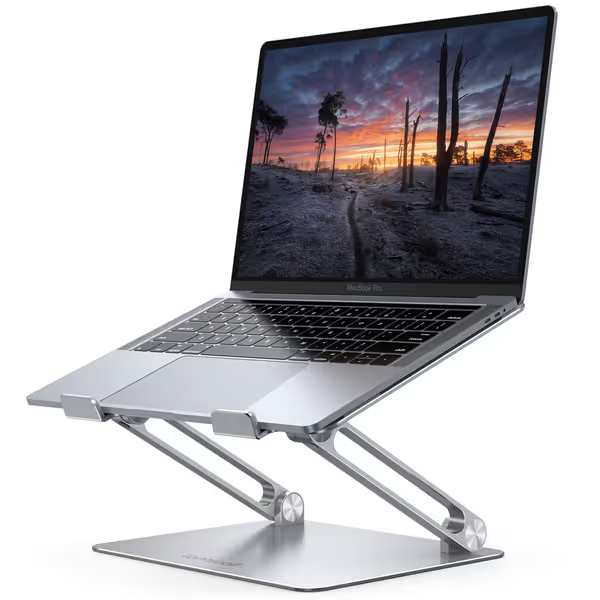
Lamicall Adjustable Laptop Stand
Ergonomic, portable stand for optimal viewing and posture relief.
$29.98
Compatibility10-17.3 inch laptops
Compatibility10-17.3 inch laptops
Pros
Elevates screen to eye level, relieving neck/shoulder pain.
Highly adjustable height/angle for personalized comfort.
Portable, foldable design for travel and easy storage.
Cons
Some users report wobble when typing on the laptop.
May not suit all desk depths if using external keyboard.
Customers find the laptop stand to be well-made and sturdy enough to hold MacBooks, with excellent adjustability for height and angle. The design features a beautiful sleek appearance, and customers appreciate that it's super easy to put together with no installation needed. The stand holds laptops securely and works well even on small desks, though stability receives mixed reviews with some customers reporting it wobbles when typing.
Customers find the laptop stand to be well-made and sturdy enough to hold MacBooks, with excellent adjustability for height and angle. The design features a beautiful sleek appearance, and customers appreciate that it's super easy to put together with no installation needed. The stand holds laptops securely and works well even on small desks, though stability receives mixed reviews with some customers reporting it wobbles when typing.
Overheating & Thermal Throttling: The Hidden CPU Killer
Problem: Closed laptops throttling performance during video calls or heavy workloads. Your Fix: Horizontal stands trap heat, but vertical slots promote airflow. Your laptop thickness determines compatibility. If your device is under 0.5" thick (like newer MacBooks), avoid stands with fixed slots. OMOTON solves this with adjustable width (0.43"-1.38") via bottom screws, ensuring snug contact that prevents wobble and leaves ventilation gaps. Bonus: Storing laptops vertically lifts them off hot surfaces, reducing palm-rest heat transfer by up to 30% (per 2024 thermal testing by Workspace Labs).
Camera Angle & Professional Presence
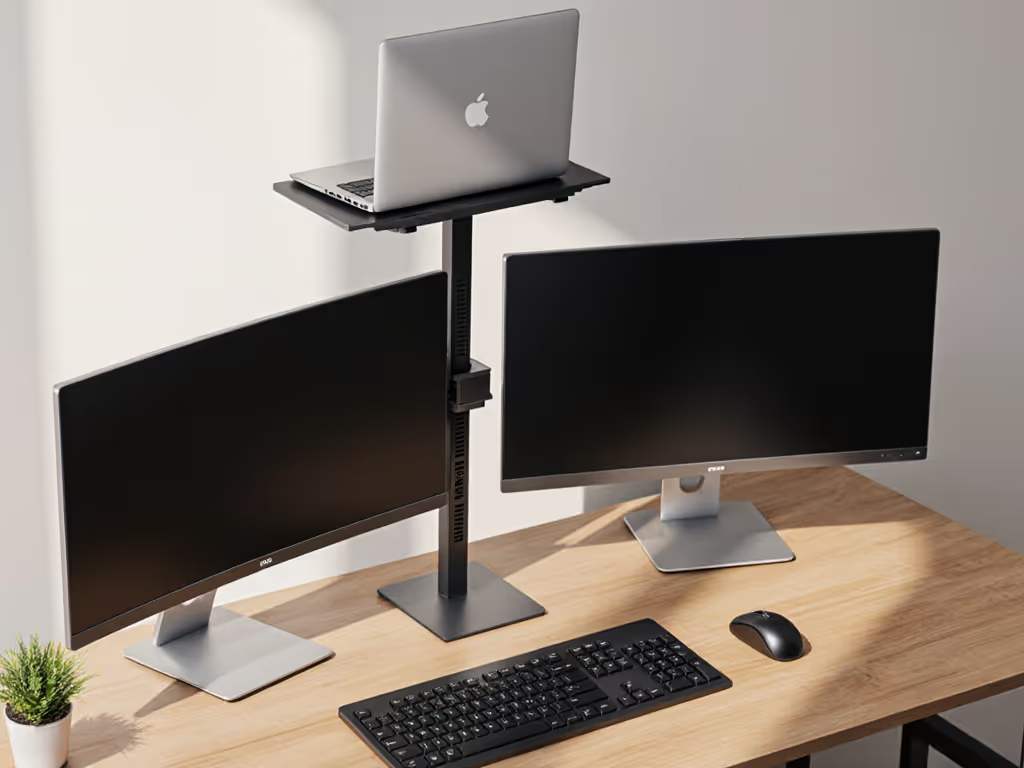
Problem: "Up-the-nose" Zoom angles or glare from overhead lighting. Your Fix: Your eye height measurement is the golden rule. For better on-camera framing, follow our Eye Level Camera guide. If your seated eye height is 22", stands must lift screens at least 12" above desk level (assuming 10" laptop height). Most vertical stands add 8-10" of height, perfect for pairing with external monitors. Pro move: Place your vertical stand behind your main monitor. When toggling between laptops, the screen rises to true eye level without rearranging cables.
Workspace Organization for Professionals: Beyond the Stand
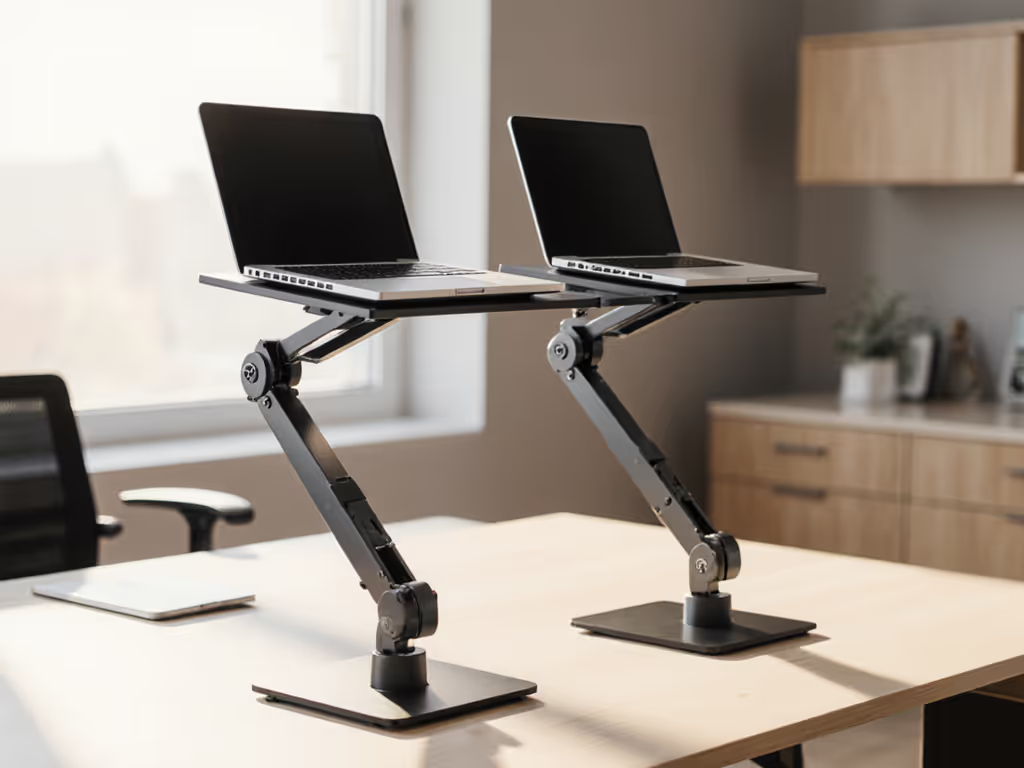
Problem: Cluttered desks destroying focus in tiny home offices. Your Fix: Dual stands like OMOTON's transform "laptop sprawl" into intentional zones. Measure your desk depth to confirm slot spacing fits secondary devices (tablets, notebooks). At 7.1" D, OMOTON leaves room for keyboards in front and monitors behind, ideal for 24-30" deep desks. The slots even double as storage for files or books when not in use, keeping essentials visible but off your work surface. To keep cables from undoing that neat layout, use our desk cable management tutorial.
How to Compare Dual Laptop Vertical Stands Like a Pro
Armed with your three measurements, here's how to dissect specs without drowning in jargon:
The Fit-First Checklist
| Feature | Why It Matters | Your Measurement Check |
|---|---|---|
| Slot Width Range | Prevents slippage or forced insertion | Must include your laptop thickness (e.g., 0.43"-1.38" covers most MacBooks) |
| Base Dimensions | Avoids tipping on shallow desks | Base width <= your desk depth - 2" (for monitor clearance) |
| Max Height Lift | Achieves eye-level viewing | Slot height + 1" >= your eye height |
| Material | Cooling and stability | Acrylic/aluminum > plastic for heat dissipation |
Real Stand Comparisons: Measurement-Tested
OMOTON Dual Vertical Laptop Stand shines for most 13-15.6" laptops because:
- ✅ Slot range (0.43"-1.38") fits thin MacBooks (0.6") and chunkier Windows devices
- ✅ Wide base (11.8" W) stays stable on desks >=20" deep (covers 85% of home offices)
- ✅ Non-slip pads work on wood, glass, and standing desks
- ❌ Avoid if your desk is <18" deep, overhang risks tipping
Lamicall Adjustable Stand (single-slot) excels for tall users needing height:
- ✅ Adjusts to 10" height, ideal for 6'2"+ users with high eye levels
- ✅ Fits 10-17.3" laptops via collapsible legs
- ❌ Not dual-slot; wobble reported on very thin (0.5") devices
Nulaxy C1 Stand works for travel-heavy pros:
- ✅ Ultra-portable (folds flat at 1.7 lbs)
- ✅ Wide angle adjustment (0-120 degrees) for lap use
- ❌ Fixed slot width will not fit both MacBook Air and 17" gaming laptops
Take Your Next Action Today
Do not let analysis paralysis cost you another week of shoulder pain. Your three-measurement method is ready: eye height, desk depth, and laptop thickness. Measure once, compare stands against your numbers, and choose one that fits your workspace now. To extend this stand decision into a full pro setup, read Build Your Complete Ergonomic Laptop Workstation. For dual-laptop users needing simplicity, the OMOTON stand delivers rock-solid stability for 95% of setups under $20.
Your actionable next step: Grab that tape measure right now. Find your three numbers, in five minutes flat. Then check if your dream stand's specs align. Because confidence starts with measurements you can collect in five minutes. Not tomorrow. Not after one more migraine. Today.
Related Articles