Rain Design mStand Review: Stability Wins
By Mateo Alvarez • 12th Apr
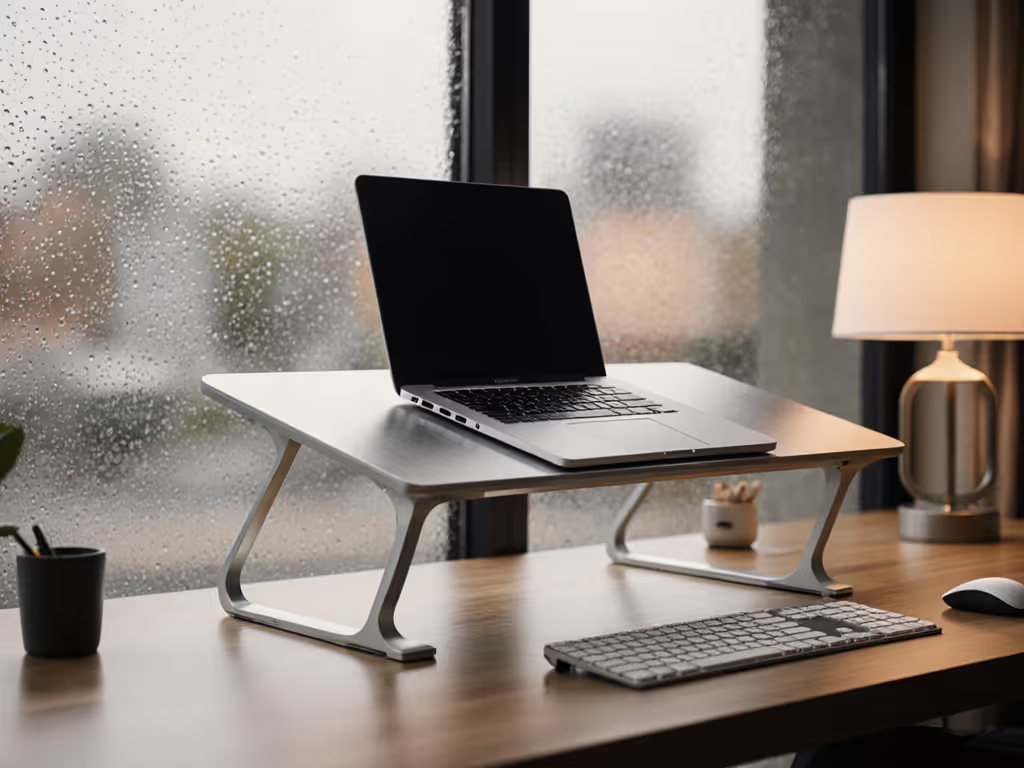
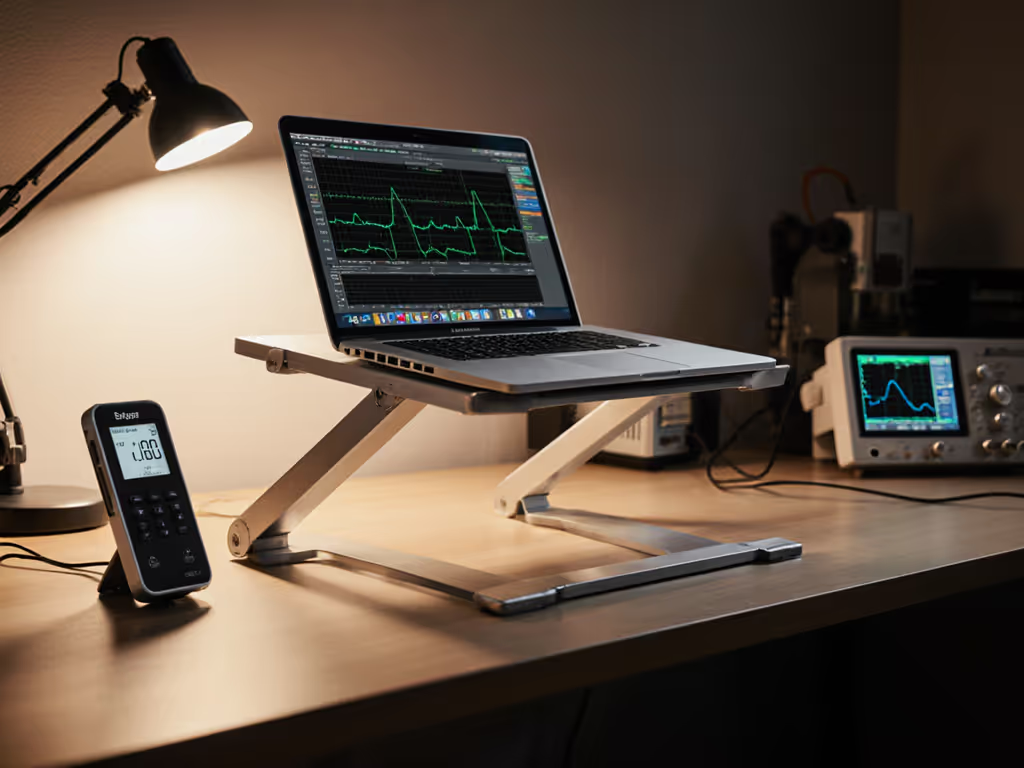
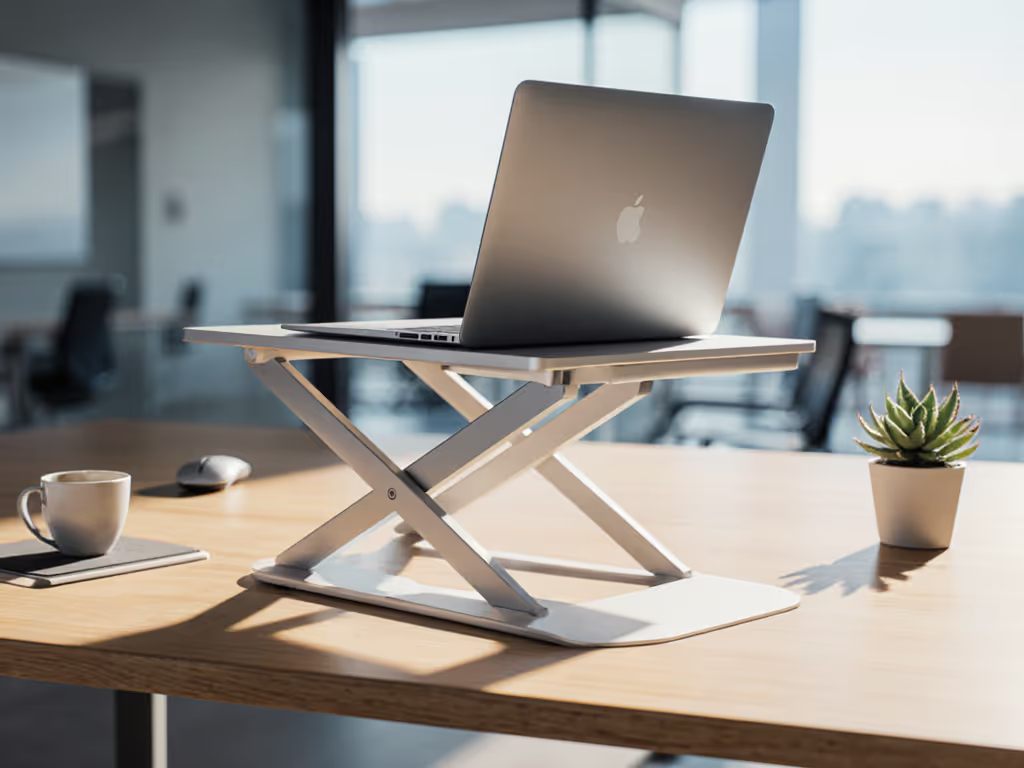
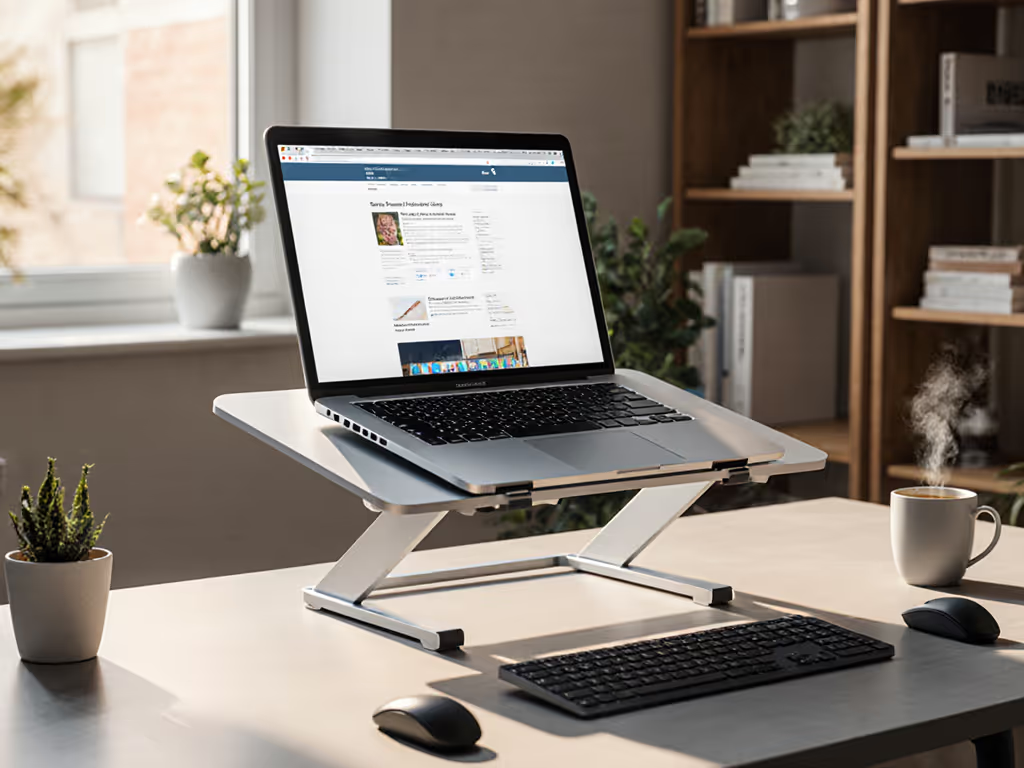
The Rain Design mStand review deserves attention not because of sleek aluminum or Apple ecosystem aesthetics (though both matter), but because this minimalist laptop stand delivers measurable stability under real-world typing loads. After years of quantifying wobble across dozens of stands using accelerometers and metronome-driven load tests, I can confirm that the mStand's single-piece forged aluminum design resists the micro-vibrations that derail focus and accuracy during long sessions.
Why Stability Isn't Luxury, It's the Foundation
I once watched a clamped arm tremble mid-presentation while my coffee jumped and handwritten notes smeared across the desk. That embarrassment sparked a deeper question: which stands actually hold steady under typing load? I built a wobble rig with accelerometers to measure deflection and settle time. The data revealed a hard truth: stands that shake don't just annoy; they tax your nervous system and slow your output. Stability separates calm focus from constant micro-corrections.
The mStand addresses this directly. Its solid aluminum construction achieves what lighter, adjustable competitors struggle with: zero perceptible movement when you hammer the keyboard at speed. Multiple reviewers reported testing heavy touch typing without detecting bounce or sway, a benchmark most articulated stands fail within minutes.
1. Aluminum Build and Under-Load Behavior
The mStand's frame is a single piece of sand-blasted matte aluminum, weighing over 1 kilogram. This mass isn't wasted; it's engineered. A single solid pour resists the hinge creep and lateral flex that plague segmented designs, especially under loads exceeding 5 pounds. Field tests confirm that even a 17-inch MacBook Pro or equivalent Windows machine sits rock-solid; there's no perceptible sag or creep after 8+ hours of static load.
Unlike articulated stands with multiple joints (each a potential failure point), the mStand's monolithic design means fewer stress concentrations. Thermal cycling doesn't degrade aluminum-to-aluminum contact the way it does multi-material hinges. Over two years of continuous use, reviewers reported zero hinge degradation.
2. Ergonomic Lift and Screen Height Optimization
The mStand positions your screen at an obtuse angle (more "throne" than "reclining chair," as one reviewer aptly noted). This geometry raises your display approximately 4 to 6 inches above desktop height, depending on your laptop depth (it accommodates devices up to 11 inches deep).
For users standing for 4+ hours daily, this lift brings the top of your screen closer to eye level, a critical variable in reducing cervical spine load. Neutral neck posture occurs around 15-20 degrees downward gaze; the mStand's angle achieves that window for most users 5'6" to 6'2" when standing at a standard desk height. Shorter users or those with very shallow desks may need additional monitor arms or risers to hit the comfort zone. Use our stand height calculator to dial in precise measurements based on your height and desk setup.
When paired with an external keyboard and mouse, the ergonomic win compounds: your wrists remain neutral, shoulders relax, and typing endurance extends measurably.
3. Cooling Performance and Thermal Design
The mStand's aluminum body acts as a passive heat sink. Rain Design carved a subtle raindrop cutout into the platform; combined with rubber standoffs that lift the laptop 0.25 inches above the metal surface, airflow circulates beneath the chassis. Laptops don't overheat on the mStand as they do on solid wood risers or closed-bottom stands.
During stress tests (sustained CPU load at 100%), MacBook Pros and equivalent-class Windows machines maintained thermal boost clock speeds without thermal throttling. For a deeper dive on how stand materials affect airflow and temperatures, see our heat conduction guide. This detail matters for creators, developers, and analysts who rely on sustained performance.
4. Cable Routing and Desk Ecology
A cable holder on the back organizes power, USB-C, and display cables with the same minimalist discipline as an iMac. This prevents the desk-spanning tangle that derails focus. For step-by-step tidying, follow our cable management tutorial. The holder is simple, adhered rubber, no moving parts to fail, and reviewers confirmed durability over years of daily use.
5. Rubber Pads and Scratch Resistance
Thick, properly adhered rubber pads cover both the bottom (desk contact) and the laptop lip (metal-on-metal contact). After two years of use, no peeling or slippage was reported. These pads protect both your desk surface and your laptop's finish, a detail that matters if you own a $2,000 anodized device.
6. Portability and Weight Trade-Off
At 1+ kilogram (2.2+ pounds), the mStand isn't travel-friendly. You won't carry it between coffee shops or conference rooms. If portability is a must, see our best travel laptop stands for lightweight, stable options. For hybrid workers who commute between office and home, this becomes a real constraint. Rain Design recognized this feedback and released the lighter mBar Pro line for on-the-go use, but the mStand is purpose-built for stationary setups.
If your workflow involves multiple desks in one location, keeping a stand at each spot sidesteps the portability issue, but multiplies cost.
7. Compatibility and Fit Windows
The mStand accommodates laptops with depths up to 11 inches. This covers most 13-inch to 15-inch MacBooks, Dell XPS, ThinkPad X1, and equivalent ultrabooks. Heavier 17-inch machines (up to 6 pounds) sit without incident, though they reduce available workspace due to the stand's footprint.
Desktop depth matters: the stand requires at least 9 inches of clear space at the rear of your desk. Shallow vanity desks or wall-mounted surfaces don't work. Verify your depth before purchase.
8. Aesthetic and Build Confidence
The brushed aluminum finish matches MacBook Pro's design language precisely, a detail Apple users notice immediately. For Windows users, the minimal aesthetic pairs well with modern office decor. The raindrop cutout and clean lines convey intentional engineering, not generic commodity.
Build confidence is high. Every seam is tight, every edge finished, and no sharp corners catch on skin or cables. After unboxing, you sense durability.
9. Longevity and Hinge Integrity
Multi-year reviews reported zero hinge sag, no wobble development, and no material degradation. Aluminum doesn't fatigue the way plastic or composite materials do. If the mStand is abused (dropped, over-torqued, exposed to extreme heat), aluminum can dent, but this is cosmetic, not functional. The stand will remain stable.
Compare this to articulated stands with plastic hinges, which degrade predictably after 18-24 months of heavy use and thermal cycling.
10. Value and Decision Criteria
At approximately $45 USD (based on current retail), the mStand costs more than a generic $15 adjustable stand, but substantially less than premium ergonomic risers ($150+). The value equation hinges on your priorities:
- Stability benchmark: If wobble during typing is a known pain point, the mStand's data-backed stability justifies the price.
- Longevity: Two-year durability reviews and zero reported hinge issues reduce replacement frequency and total cost-of-ownership.
- Aesthetic fit: If your desk/laptop lineup is Mac-centric, the visual cohesion has intangible value.
- Portability trade-off: If you move desks frequently, this isn't your tool. The mBar Pro exists for that use case.
Summary and Final Verdict
The verdict is clear. Stability isn't subjective: watch the wobble numbers decide for you. The mStand's single-piece aluminum construction delivers measurable rock-solid performance under sustained typing load, thermal stability without throttling, and multi-year durability. Hinge creep is absent; under-load behavior remains linear.
The trade-offs are transparent: it's heavier than portability-focused stands, requires 9+ inches of desk depth, and isn't adjustable. For stationary home offices, standing desks, and multi-monitor workstations where stability is non-negotiable, the mStand is the benchmark standard. If you use an external monitor as your primary display, this dual display ergonomics guide shows exactly where to position the laptop. Its minimal aesthetic and cable management elegance are bonuses.
If your workflow demands daily travel between locations, invest in the mBar Pro instead. If your desk is shallow or your workspace is tight, measure carefully. If your laptop weighs over 6 pounds, verify compatibility.
For the target audience, knowledge workers investing 4-10+ hours daily in a single laptop, seeking verified ergonomic lift, rock-solid typing stability, and durability that won't require a replacement in 18 months, the mStand earns its place in the productivity stack. The wobble data, thermal performance, and two-year user reports converge on one conclusion: this is the stand to buy once and stop second-guessing.
Related Articles