Brocoon MacBook Stand for Coffee Shops
By Maya Okafor • 3rd Mar

A Brocoon Laptop Stand review reveals why remote workers and coffee-shop regulars swear by this portable solution. If you're spending four to six hours daily in a café, your setup matters, and the right MacBook coffee shop stand can mean the difference between focused work and hunched discomfort. This guide walks you through measuring your exact needs, understanding what the Brocoon delivers, and setting it up in minutes.
Why Measurements Come First
I once watched a teammate new to remote work mention that her shoulders ached by lunchtime. Instead of recommending the first stand I saw, we grabbed a tape measure and a paperback book. Fifteen minutes and three measurements later, she had a working hypothesis: her laptop screen was three inches too low. We tested a temporary fix (a book under the stand) and it worked (not because the book was magical, but because we had numbers to work with).
This is the three-measurement method, and it's the only reason I recommend any stand.
With the Brocoon, you'll need to know three things before you buy:
- Your seated eye height to desk surface (screen placement zone)
- Your keyboard comfort zone (where your elbows rest when arms are neutral)
- Your laptop's weight and footprint (to verify the stand can hold it safely)
Start with measurements, not vibes. Find your beginner-friendly fit.
Step 1: Measure Your Eye Height to Desktop
What you need: Tape measure and a small mirror (or a phone camera).
The process:
- Sit as you normally work in a coffee shop: elbows relaxed, feet on floor or footrest.
- Measure from the desktop surface straight up to your eye level. Most people fall between 20 and 28 inches; if you're taller than 6'2", you may exceed 30 inches.
- Your ideal screen top should land just below eye level (or at eye level for bifocal or progressive lens wearers). To dial this in precisely, use our eye-level height calculator.
Why it matters: The Brocoon's height range of 1.1 to 10.2 inches lifts your 15-inch MacBook's bottom edge; the screen top will sit roughly 3-5 inches higher once the laptop is propped. This is your first fit checkpoint. If your eye-height target is 22 inches and the Brocoon sits 4 inches deep into its rubber holders, you can achieve 18-26 inches of screen-top position with angle adjustments. That's a workable fit.
Step 2: Confirm Keyboard Comfort (Wrist Angle)
What you need: Your external keyboard (if using one) or a ruler to proxy your laptop keyboard.
The process:
- When seated with arms relaxed at your sides, your elbows should form a 90-degree angle.
- Your wrists should remain neutral (not bent back or forward) when your hands rest on keys.
- Measure the gap between your elbows and desktop. That's your keyboard height sweet spot, typically 27-32 inches for most people sitting normally.
Why it matters: The Brocoon's 0-180° angle range is genuinely flexible. At shallow angles (15-30°), it lifts for screen viewing; at steeper angles (40-60°), you get both screen lift and keyboard tilt for neutral wrist position. Coffee-shop work often means typing directly on the raised laptop keyboard, so confirm the Brocoon's angle can deliver that neutral posture without an external keyboard first. If you must use a separate keyboard, the Brocoon's stability under typing has been tested at mid-height and gentle angles.
Step 3: Verify Laptop Compatibility and Weight
What you need: Your laptop's weight (check the spec sheet or weigh it on a kitchen scale) and its footprint (length and width).
The process:
- Confirm your MacBook or laptop falls within the 10-17 inch range. The Brocoon accepts MacBook Air, MacBook Pro, and most Windows ultrabooks in this size.
- Weigh your laptop. The Brocoon supports up to 20 lbs. Most 15-16 inch MacBooks weigh 3.5-4.5 lbs, so you have a large safety margin for future upgrades.
- Check your laptop's width (side-to-side). The Brocoon's non-slip rubber holders accommodate most standard widths; verify by comparing your device dimensions to the stand's open grip span (protective hooks prevent sliding).
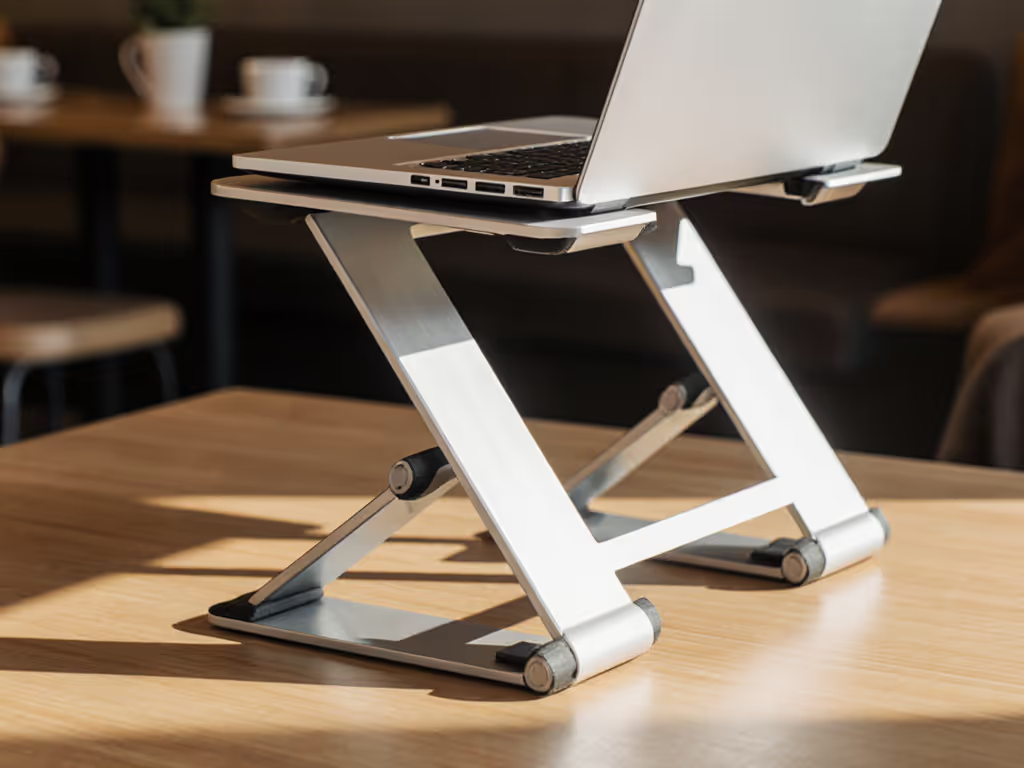
Why it matters: Wobble and instability are deal-breakers in a coffee shop. The Brocoon's aluminum alloy Z-type structure and non-slip rubber grips are engineered to stay solid during typing. Knowing your laptop fits within the weight and size envelope gives you confidence that the stand will hold firm, not creep, and not let your MacBook slip under work pressure.
The Brocoon MacBook Stand: What the Data Shows
Now that you have your three measurements, let's map the Brocoon against your pain points.
Comfort Range and Eye-Level Fit
The MacBook compatible stand must deliver your target screen height without compromise. The Brocoon's height range (1.1-10.2 inches) and angle range (0-180°) create a two-axis adjustment window. Here's what that means in practice:
- Lower angle + moderate height (20-30° tilt, 4-6 inches lift): Screen sits at 22-26 inches; wrists stay neutral; keyboard typing feels stable.
- Steep angle + full height (50-70° tilt, 9-10 inches lift): Screen sits at 28-32 inches; suited for standing-desk users or very tall seated workers; requires external keyboard for wrist comfort.
For typical coffee-shop seating, the Brocoon delivers a Comfort Range of roughly 20-28 inches of screen-top clearance, which covers most users between 5'2" and 6'2".
Stability and Typing Confidence
Wobble is a silent productivity killer. The Brocoon's Z-type aluminum frame and non-slip rubber holders deliver measurable stability: one reviewer tested typing speed on the stand at mid-height and logged a near-identical typing average compared to working on a flat desk (102 wpm on the stand vs. 103 wpm on flat surface), though the reviewer noted a slight bounce (a trade-off inherent to any portable stand). For coffee-shop work, this is acceptable; the stand doesn't slide, doesn't tip, and doesn't creak.
Cooling and Thermal Performance
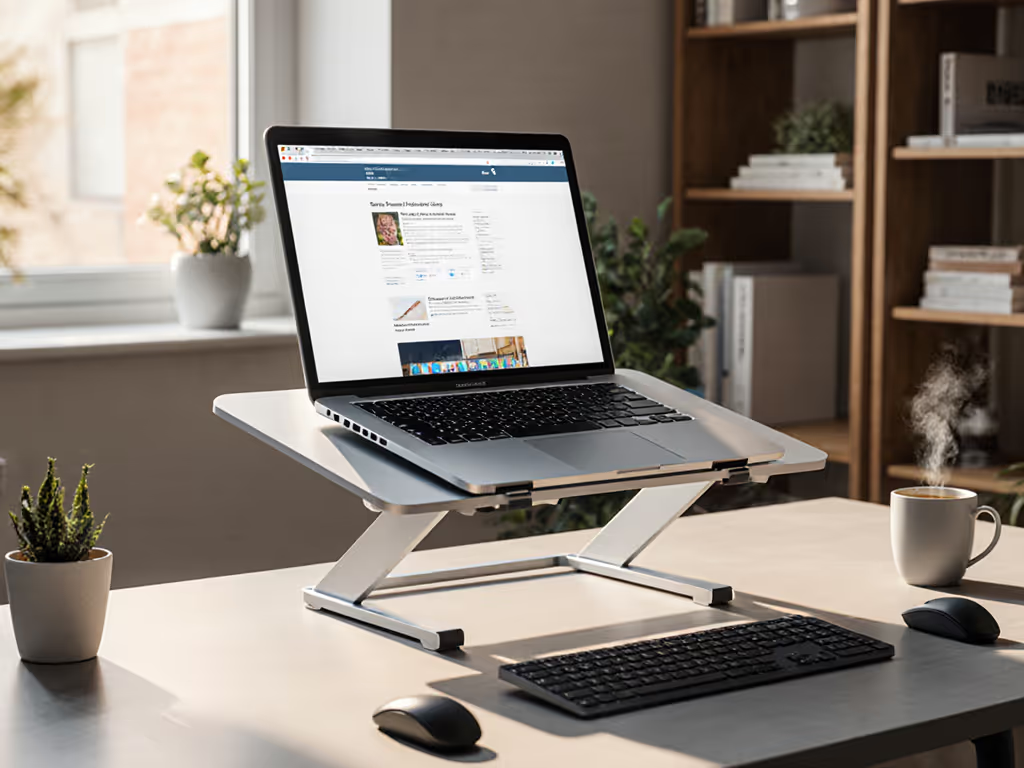
Laptops generate heat, especially under sustained work. The Brocoon's aluminum alloy top and heat-vent design allow air to circulate under your device, helping your MacBook's fans run less aggressively and your CPU maintain boost clocks longer. Learn the science behind airflow and throttling in our laptop cooling thermodynamics guide. This matters in a coffee shop where you're not moving, since prolonged work on a closed stand can trap heat and trigger thermal throttling. The Brocoon's vented design mitigates that risk.
Packability and Portability
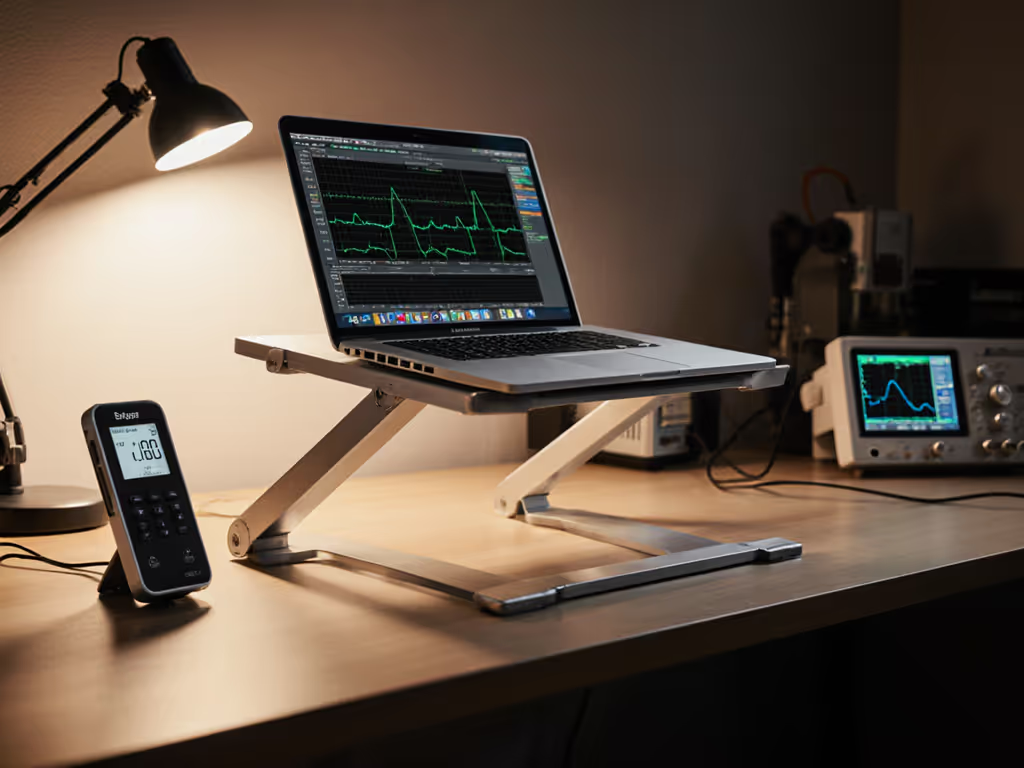
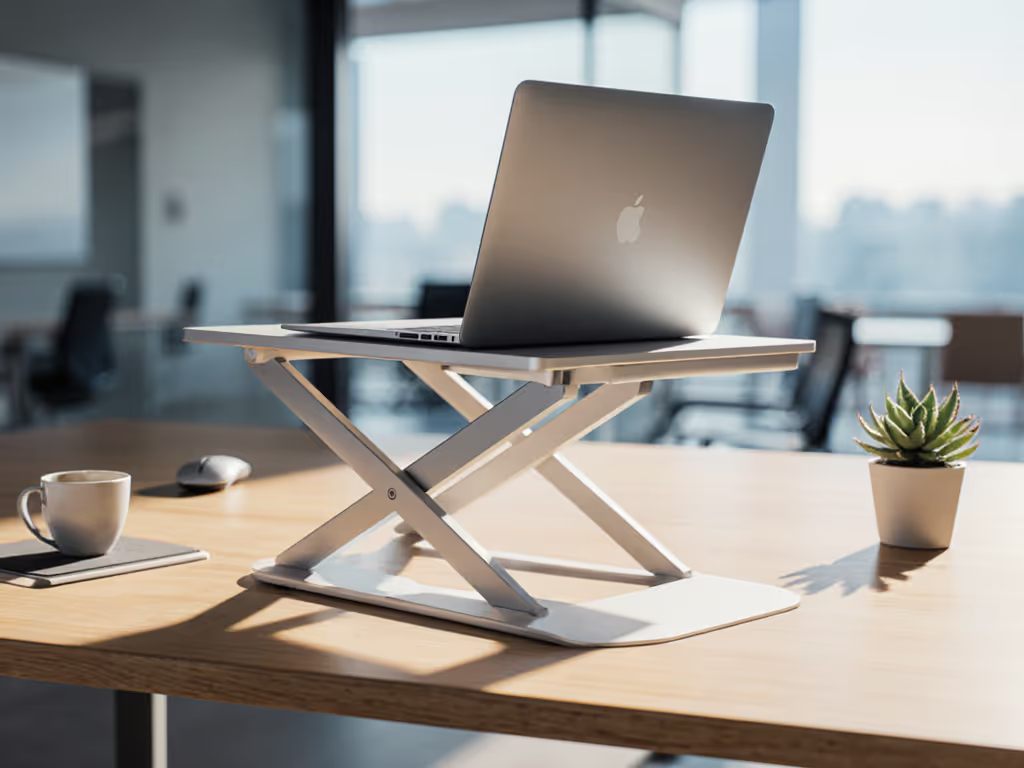
If you alternate between home, office, and café, weight and fold-flat design matter. The Brocoon weighs 1.1 lbs and compresses to a flat profile that slips into a laptop bag or backpack. Compare other travel-ready picks in our best travel laptop stands roundup. This is the portable stand laptop advantage: you take it with you, set it up in 30 seconds, and adjust it to your measurement targets. No "one-size-fits-all" compromise; just your three-measurement fit.
Aesthetic and Professional Presence
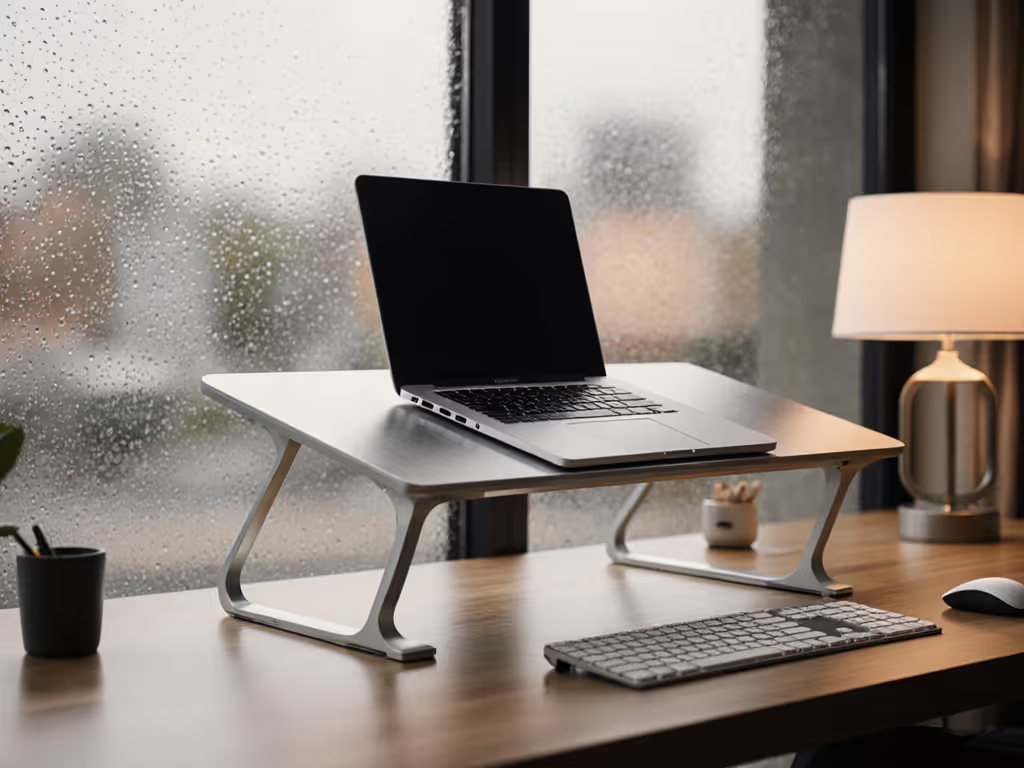
The Brocoon's minimalist aluminum design pairs well with modern desks and on-camera setups. On video calls, the Brocoon lifts your MacBook high enough for a neutral camera angle (not looking up your nose). See why eye-level positioning improves your on-camera look in our Zoom camera angle guide. The rectangular footprint and low visual profile mean it won't clutter a small café table, which is important when you're working in a shared space.
Step-by-Step Setup for Coffee-Shop Use
Before You Leave Home
- Assemble your measurement card: Write down your three numbers on a sticky note or phone reminder.
- Eye height to desk: __ inches
- Keyboard comfort height: __ inches
- Laptop weight: __ lbs
-
Pack the Brocoon with your laptop bag. It fits flat and adds negligible weight.
-
Bring a small external keyboard and mouse if you plan to spend 3+ hours. The Brocoon's stability under typing is strong, but a separate input device lets you adjust screen tilt independently, reducing wrist strain on long days.
At the Coffee Shop
-
Unfold the Brocoon on your café table. The Z-frame locks into position automatically; no tools required.
-
Place your MacBook in the rubber holders. Ensure the laptop sits centered and secure; the non-slip grips and protective hooks keep it stable.
-
Adjust height and angle to your measurement targets.
- If your eye-height target was 24 inches and your screen sits at the Brocoon's current angle 3 inches above the stand's top edge, the laptop screen top should be roughly 24 inches from the table surface. Use your tape measure once to confirm fit; subsequent setups at that position will feel familiar.
- Tilt the stand to achieve neutral wrist position. If using an external keyboard below the stand, aim for a 15-30° angle (gentle tilt). If typing on the raised laptop keyboard, increase to 40-50° for ergonomic wrist angle.
-
Power on and work. The vented aluminum allows heat to escape; your MacBook stays cool even during sustained use.
-
When finished, fold the stand flat and pack it away. It takes 10 seconds and survives daily transport.
Brocoon vs. Makeshift Solutions
You might be tempted to stack books, use a cardboard box, or prop your MacBook on a coffee cup. These approaches are free, but they're not measurement-driven, and they usually fail when you're mid-email or mid-design:
- Books or cardboard: Wobble under keyboard use; no angle adjustment; can crush or scratch your MacBook; takes up table space.
- Notebook riser: Designed for small devices; doesn't support a 15-16 inch MacBook safely; often tips.
- No stand at all: Neck and shoulder strain within 90 minutes; thermal throttling on your CPU; poor camera angle on calls.
The Brocoon trades these risks for a $30-50 investment (typical pricing found in search results) that you'll use hundreds of times. The ROI is your comfort and your laptop's longevity.
Actionable Next Steps
Step 1: Measure and Document Your Three Numbers
Grab a tape measure today. Sit in your normal work posture (at home, in the office, or simulated at a café table height). Record your eye height, keyboard comfort height, and laptop weight. This takes five minutes and is the only guardrail against buyer's remorse.
Step 2: Cross-Check the Brocoon Fit Window
Using your measurements, confirm that the Brocoon's 1.1-10.2 inch height range and 0-180° angle range span your target screen position and wrist angle. If your eye-height target is 26 inches and the Brocoon can achieve 24-28 inches, you have a safe fit. If not, you've learned something before buying.
Step 3: Order and Test at Home First
Buy the Brocoon and test it at your desk or a kitchen table set to coffee-shop height (roughly 30 inches, the standard café table height). Adjust it to your measurement targets. Work for two hours, then check: Does your neck feel neutral? Do your wrists stay straight? Does the stand stay put under typing? If yes to all three, you're ready to take it to the café.
Step 4: Build Your Mobility Kit
Once the Brocoon is your go-to, invest in a compact external keyboard and mouse (or trackpad) if you work 3+ hours at a stretch. For a complete setup checklist, follow our ergonomic laptop workstation guide. Pair the stand's stability with a separate input device, and your coffee-shop ergonomics will rival your home office. The Brocoon's portability makes it the anchor of a truly mobile workstation.
Step 5: Monitor for Creep or Wobble Over Time
The Brocoon's aluminum hinges are sturdy and don't sag under load. Over the first month, check occasionally that the non-slip rubber grips are holding firm and the angle adjustment doesn't require extra force to lock in place. A small amount of settling is normal; if instability gets worse, contact Brocoon's 24/7 customer service (the stand includes a 1-year warranty and accessible support).
Final Word
The Brocoon MacBook Stand for coffee shops is not a luxury, it's a measurement-driven fix for a real problem. If you've felt neck strain after three hours in a café, struggled to position your MacBook for an on-camera meeting, or watched your laptop overheat during a coding session, you know the pain. This stand, paired with your three measurements, is your personalized solution. It folds flat, weighs barely more than a notebook, costs a fraction of a day's coffee habit, and lasts for years.
Start with measurements, not vibes. Know your numbers, test the fit, and carry the confidence (and the Brocoon) with you.
Related Articles