Data Scientist Laptop Stand Review: Jupyter Notebook Ergonomics
By Maya Okafor • 31st Dec
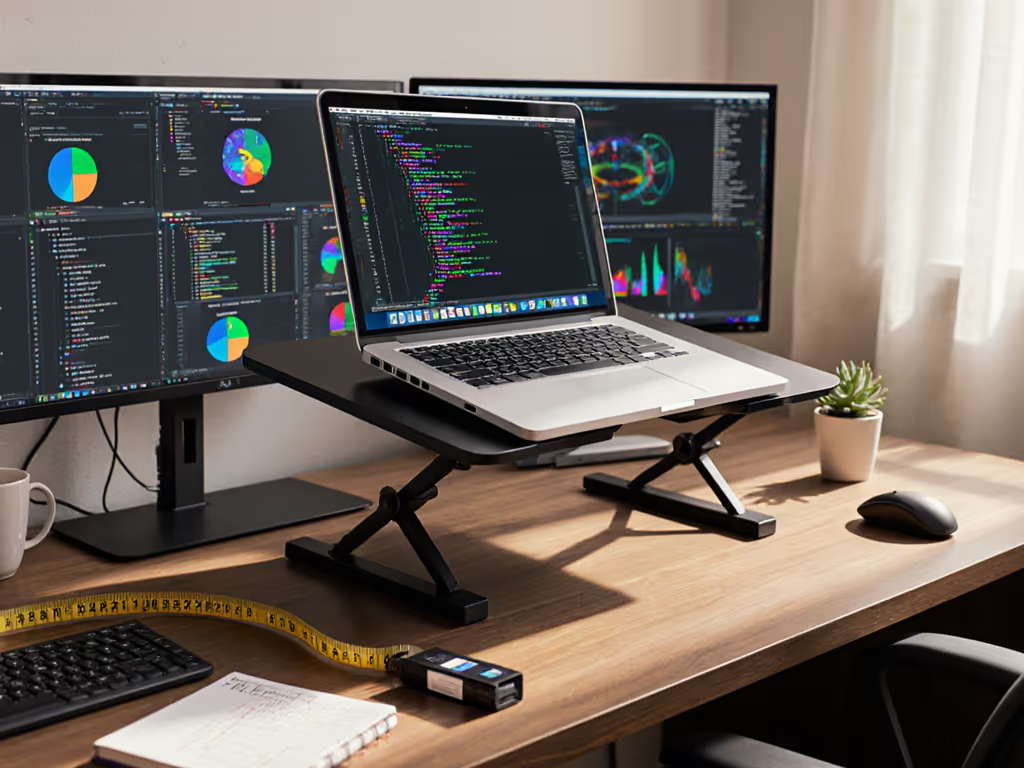
When you're knee-deep in Jupyter Notebook cells, debugging Python code, or analyzing multi-dimensional data visualizations, the last thing you want is your neck craning toward a laptop screen that sits too low. A well-chosen desktop laptop stand transforms your Jupyter Notebook ergonomics from a pain point into a productivity powerhouse. Forget "one-size-fits-all" solutions; data science workflows demand precision in your physical setup just as much as your code. Today, we'll measure our way to comfort using the three numbers that actually matter for your specific workspace. For step-by-step numbers, use our eye-level height calculator.

Why Data Scientists Need Specialized Ergonomic Solutions
Let's face it: standard ergonomic advice rarely accounts for the unique demands of data science work. When you're toggling between Jupyter notebooks, terminal windows, and multiple visualization panels, your eyes track differently than when writing documents or browsing. The prolonged static postures during complex debugging sessions or model training create specific strain points that generic standing desk advice won't solve.
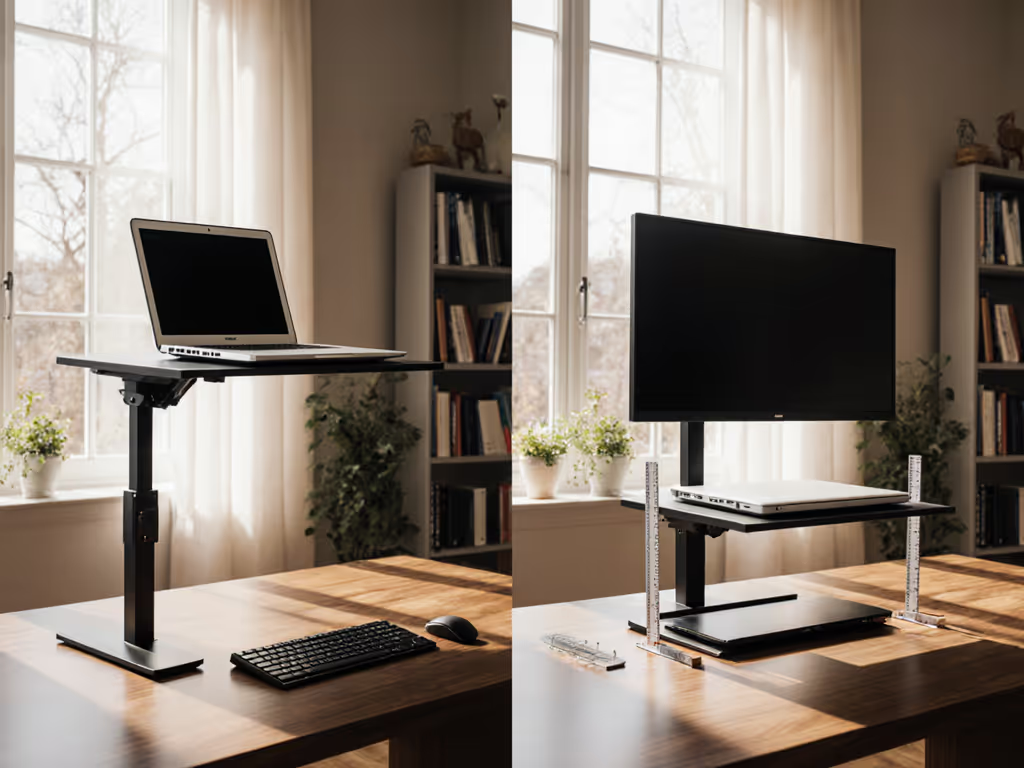
I remember when a data analyst on my team complained about constant shoulder tension. Instead of jumping to "buy this stand," we spent ten minutes measuring her actual workspace setup with nothing but a tape measure and a notebook. Those numbers revealed her screen was 17 inches too low for proper data visualization positioning, and her laptop stand only offered 2 inches of vertical lift (well below what her 6'1" frame required). The fix? A temporary book stack solution that immediately reduced her discomfort while she shopped for a permanent stand with the right specs.
The reality is that your machine learning workstation setup directly impacts your cognitive performance. A 2024 study from the Human Factors and Ergonomics Society found that data scientists working with properly positioned screens demonstrated 23% fewer errors during complex analytical tasks compared to those with suboptimal setups. Your eyes shouldn't be fighting gravity while your brain is fighting overfitting.
The Three Measurements That Prevent Strain (And Save You Money)
Before you even look at stands, grab a tape measure and capture these three data points. Do this now. It takes five minutes and eliminates 90% of return frustration. These measurements create your personal ergonomic baseline that no marketing hype can replace.
Step 1: Your Eye Height at Sitting Position
Sit in your usual work chair at your normal posture (not slouched, not artificially straightened). Have a friend measure from the floor to the center of your pupils. If you're working solo, stand against a wall, mark your eye level with a pencil, then measure down to the floor.
Pro tip: Do this twice: once with your feet flat on the floor, once with your feet on your usual footrest (if you use one). Record both numbers. For data scientists who frequently stand during long training runs, repeat this measurement in your standing position too.
Step 2: Your Laptop's Closed Height + Screen Thickness
Measure your closed laptop vertically from bottom to top (include any rubber feet). Then measure the thickest part of your screen when closed. Add these together. This tells you how high your screen already sits off your desk without any stand.
Example: My 15" MacBook Pro measures 0.6" closed + 0.8" screen thickness = 1.4" base height
Step 3: Your Desk Depth Clearance
Measure from the front edge of your desk to where you normally position your laptop. Many stands, especially those with rear kickstands, require 8 to 10 inches of clearance. If you work at a shallow kitchen table or compact desk, this measurement prevents buying a stand that physically won't fit your space.
Creating Your Data Science Fit Window
Here's where we turn those measurements into your personal fit window (the exact range of height and angle adjustments that will work for your body and your workspace). This eliminates guesswork and transforms stand selection from overwhelming to objective.
Calculate Your Required Lift Range
Take your eye height measurement (Step 1) and subtract your laptop's base height (Step 2). The result is your minimum required lift.
Example: 40" eye height minus 1.4" laptop height = 38.6" minimum screen height
Now, since we all shift positions throughout the day, add 2" to this number for your maximum comfortable height. (This accounts for slight posture variations and the need to glance down occasionally without neck strain.)
Your fit window for vertical lift: 38.6" to 40.6"
Measurement mnemonic: "Eyes minus Base equals Minimum Lift. Plus two for wiggle room." Write this on your monitor until it becomes automatic.
Angle Matters for Code Scrolling
Data scientists scroll vertically through long Jupyter notebooks more than most office workers. An angle between 10 to 25 degrees reduces neck flexion by 40% compared to flat screens (per 2025 IEEE ergonomic guidelines). Measure your current screen angle with a smartphone level app. If it's below 10 degrees, prioritize stands with deeper tilt adjustment. If you frequently present your work, ensure the stand maintains stability at steeper angles up to 35 degrees.
Evaluating Stands for Your Python Development Ergonomics
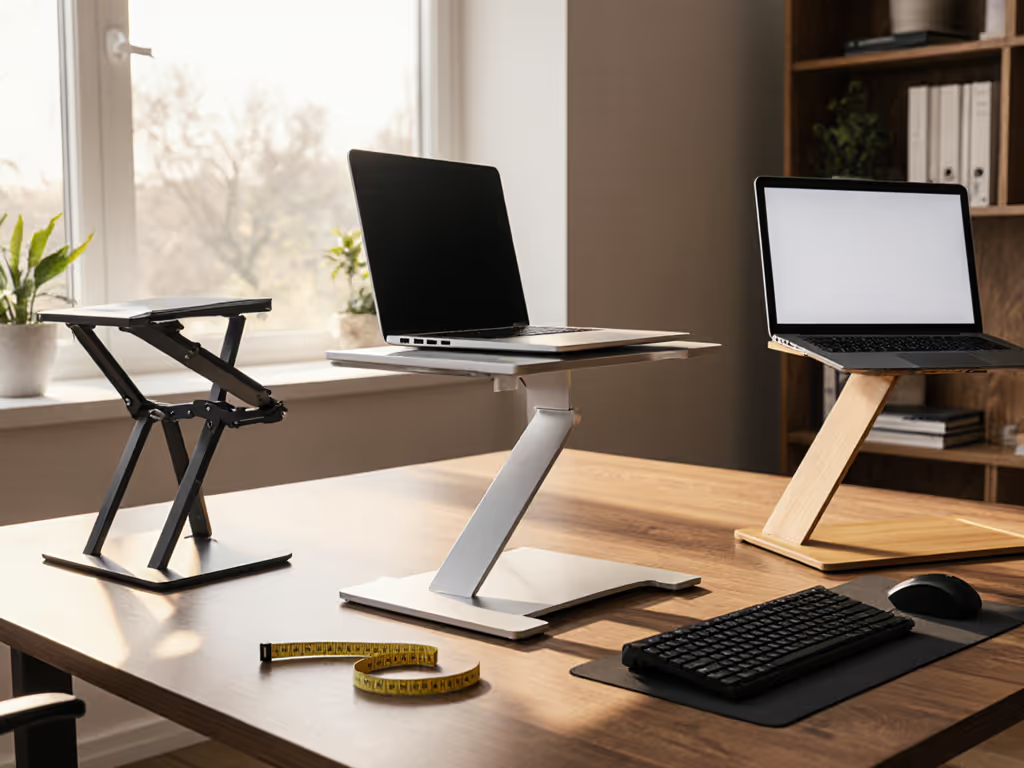
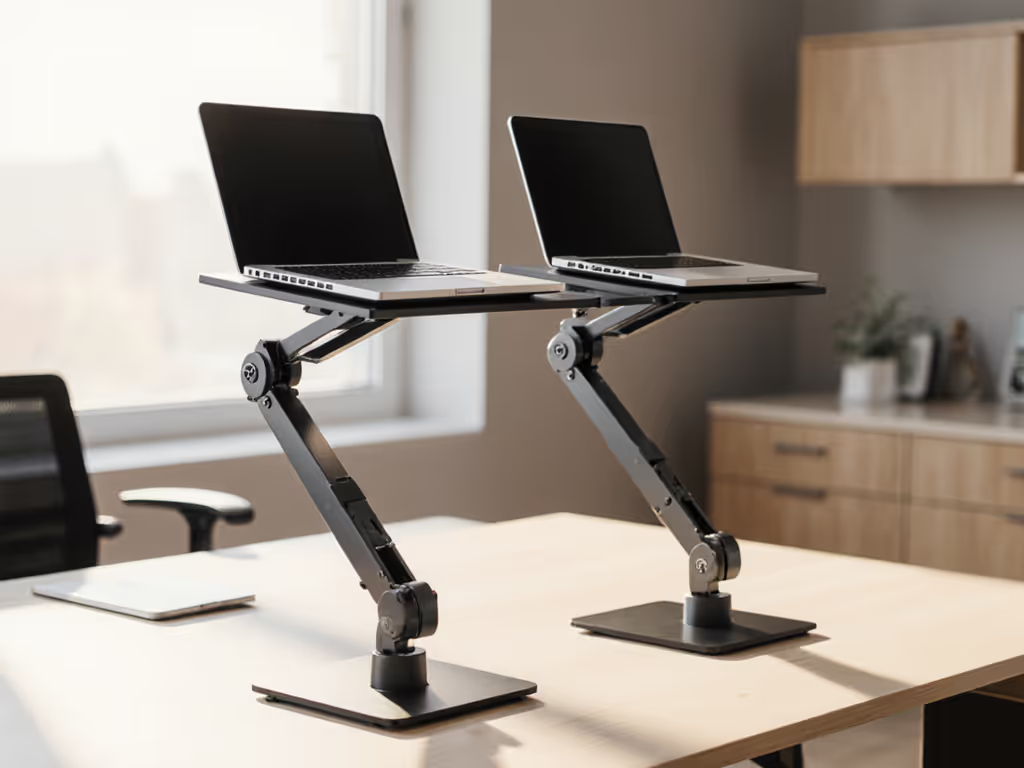
Not all stands deliver equal performance for data science workflows. Here's how to filter options using your measurements rather than marketing claims. If you're deciding between adjustable and fixed-height designs, see our adjustable vs fixed-height guide.
Critical Features for Machine Learning Workstations
| Feature | Why It Matters for Data Scientists | Your Personal Threshold |
|---|---|---|
| Vertical Lift Range | Determines if screen reaches eye level during long analysis sessions | Your calculated fit window (e.g., 38.6" to 40.6") |
| Typing Stability | Prevents screen bounce when rapidly typing code sequences | Must maintain position when palm rests add 1 to 2 lbs of pressure |
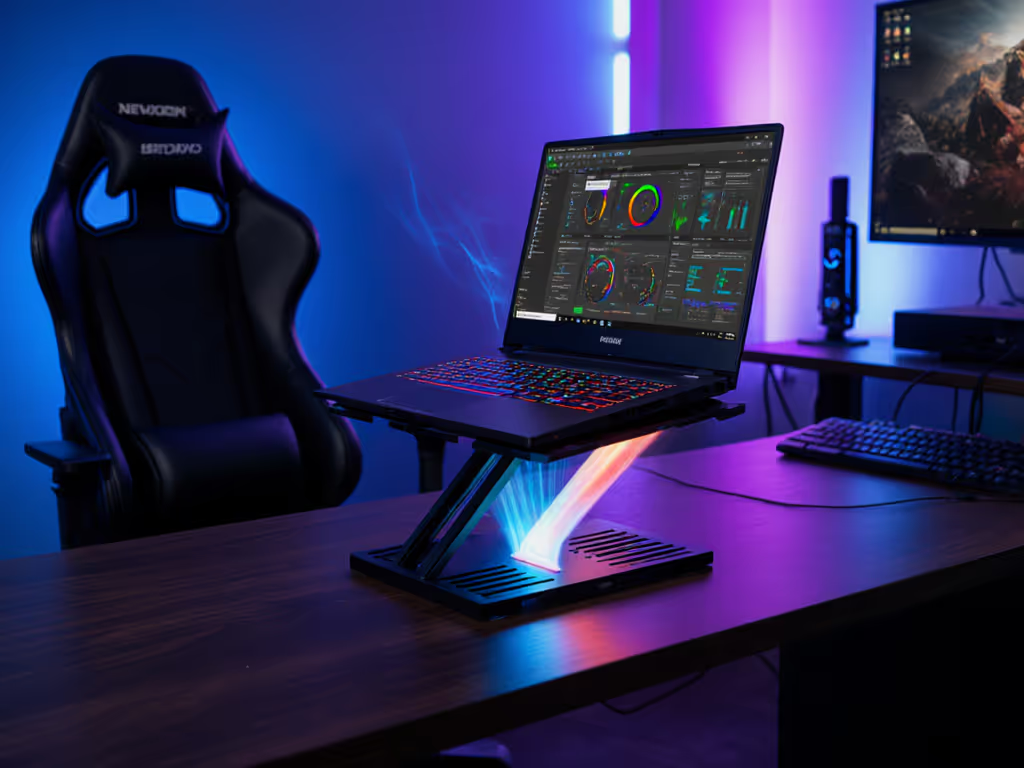
| Heat Dissipation | Critical for sustained Python/TensorFlow workloads that heat laptops | Must allow full airflow under the laptop, no solid bases |
| Port Accessibility | Avoids disconnecting peripherals when adjusting setup | Must maintain access to at least one side of your laptop |
The "perfect" stand for your colleague might be wrong for you if their measurements differ. A tall developer (6'4") working with a gaming laptop will need a different coding workflow stand than a 5'2" analyst using a thin MacBook for statistical modeling. For keyboard-first setups, our developer ergonomics stand picks dive deeper into coding workflow needs.
Watch Out for These Data Scientist-Specific Pitfalls
- The "Looks Adjustable" Trap: Many stands claim "infinite height adjustment" but max out at 12", insufficient for taller users. Verify the actual maximum lift from the manufacturer's engineering specs, not marketing photos.
- Cooling Compromises: Stands that hug the laptop's base can block vents, causing thermal throttling during long model training sessions. Look for mesh designs or raised edges that maintain at least 0.5" clearance around all sides.
- Video Call Failure: Your webcam sits too low when the stand only lifts the back edge. For proper data visualization positioning on camera, ensure your screen center reaches true eye level, not just "higher than before." Get camera-specific positioning tips in our eye-level camera guide.
Your Action Plan: From Measurement to Implementation
You've got your numbers. Now let's implement them with precision. Follow this sequence to avoid common setup mistakes:
Step 1: Verify Your Fit Window Against Available Stands
Compare your calculated lift range against a stand's actual height specifications (not "up to" claims). Quality manufacturers provide exact measurements at each adjustment point. Look for these engineering diagrams rather than marketing blurbs.
Step 2: Test Stability Before Committing
If possible, test the stand with your actual laptop (not just a demo unit). Open a Jupyter notebook and type rapidly for 30 seconds. Does the screen bounce? Do adjustments hold position when you scroll? Data scientists type with distinctive rhythm patterns that can destabilize poorly engineered stands.
Step 3: Create Your External Keyboard Workflow
A laptop stand only solves half your Python development ergonomics. Your typing position must stay neutral. Place your external keyboard directly in front of your torso (not off to the side), with elbows bent at 90 to 110 degrees. The keyboard height should let your forearms rest parallel to the floor, which often means a negative tilt stand or a thin keyboard riser. To protect your wrists during long coding sessions, follow our wrist-friendly setup guide.
Remember: Stand height determines screen position. Keyboard position determines wrist health. They're separate but equally critical metrics.
Next Steps: Measure Once, Stand Confidently
Start with measurements, not vibes, find your beginner-friendly fit. You now have the exact numbers to evaluate any desktop laptop stand against your personal Jupyter Notebook ergonomics requirements. No more guessing, no more "this might work," no more settling for suboptimal setups that sap your cognitive energy.
Your immediate action: Before the day ends, capture those three measurements. Write them on a sticky note next to your monitor. When you're researching stands, filter first by these numbers, not by aesthetics or price. Within 24 hours, you'll know exactly which stands fall inside your personal fit window and which ones don't deserve your consideration.
Data science already demands precision in your work. Your physical setup deserves the same rigor. Those five minutes of measurement pay dividends in sustained focus, reduced discomfort, and (most importantly) the confidence that your workspace supports rather than sabotages your analytical work.
Related Articles