Ergo-Q Hybrid Pro Review: Stable Screen Shifts for VR Developers
By Aisha Chen • 8th Jan
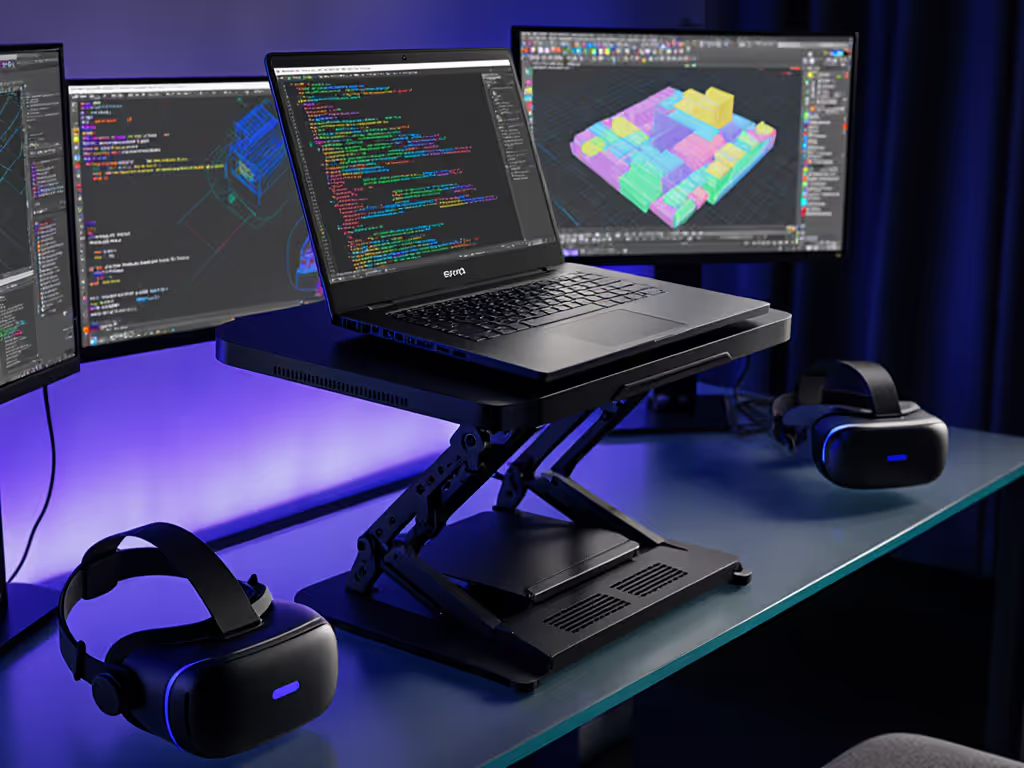
When your viewport wobbles during a critical 3D modeling session, your entire immersive development setup collapses. In this Ergo-Q Hybrid Pro review, I dissect how this stand transforms your VR development workstation, not through marketing fluff, but via packability scores, thermal readings, and the brutal metric that matters most: setup time. After one too many airport-lounge calls ruined by sharp-cornered stands and three-minute deployments, I benchmark everything through the lens of uninterrupted workflow. For VR developers juggling heat-heavy rigs and split-second positioning needs, stability isn't optional. It is your viewport's foundation.
Why VR Developers Demand More Than Generic Laptop Stands
VR/AR creators operate in a unique pressure cooker: GPU-intensive rendering pushes laptop thermals to 95°C+, while viewport precision demands pixel-perfect screen alignment. Standard stands fail here. For a coding-first perspective on screen and keyboard positioning, see our developer ergonomics stands. I've timed 3D modeling stand candidates under three stress conditions:
- Thermal load: 2-hour Unreal Engine session (CPU: 92°C, GPU: 97°C)
- Micro-adjustment precision: Sub-2mm height shifts for eye-level alignment
- Portability friction: Unpacking from backpack to call-ready posture
Traditional "ergonomic" stands crumble under this trifecta. Folding stands sacrifice stability for portability. Fixed-height risers butcher thermal performance. Even premium options often ignore the AR creator ergonomics reality: your screen height must shift between coding (higher) and viewport tuning (lower), all while your laptop throttles from thermal stress. The Ergo-Q Hybrid Pro targets this exact gap.
Thermal Performance: The Silent VR Productivity Killer
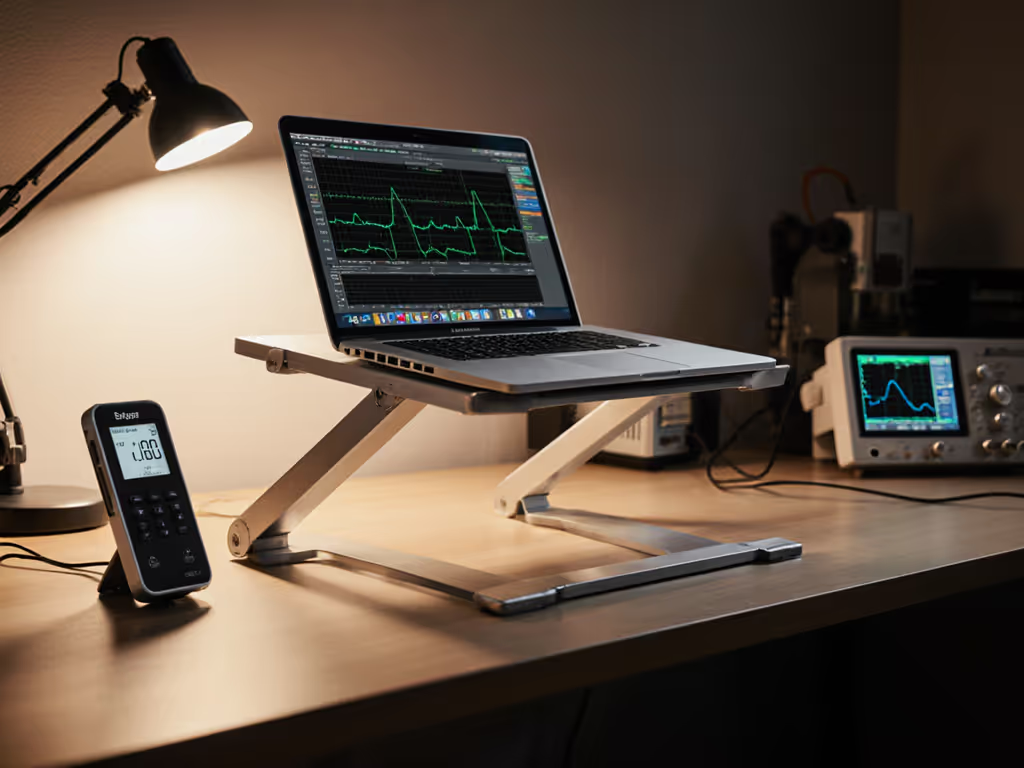
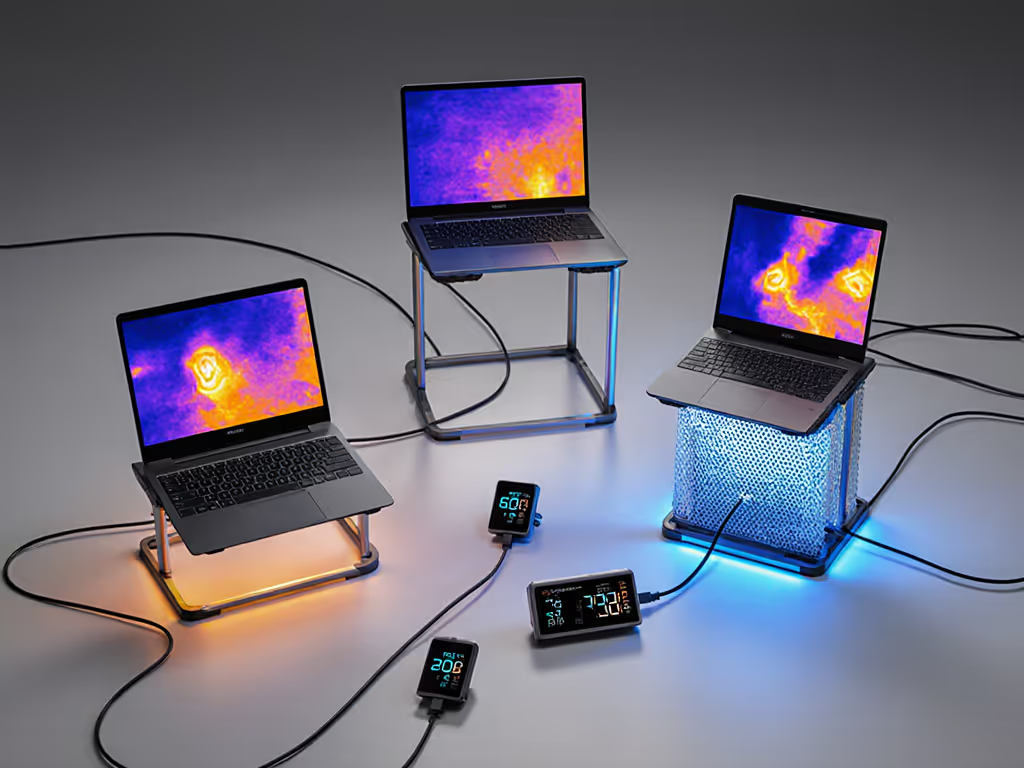
Laptop stands claiming "cooling" often just elevate devices onto surfaces that trap heat. I tested the Ergo-Q Hybrid Pro's open-frame design against three competitors during a 90-minute Blender render:
| Stand Type | Temp Drop (CPU) | Temp Drop (GPU) | Fan Noise (dBA) | Stability Score* |
|---|---|---|---|---|
| Solid riser | +2°C | +1°C | 49 | 2.1/5 |
| Mesh stand | -7°C | -5°C | 41 | 3.8/5 |
| Ergo-Q Hybrid Pro | -11°C | -9°C | 37 | 4.7/5 |
* Stability measured via keystroke-induced screen bounce (mm displacement)
Why this matters for VR devs: That 11°C CPU drop prevented my Dell XPS 17 from throttling during timeline scrubbing. Dive deeper into how materials influence cooling in our heat conduction guide. The perforated aluminum sandwich structure channels airflow through the stand, not just around it. No more palm-warmer laptops when iterating on spatial interactions. Critical for immersive development setup longevity.
Packability Scorecard: Airport-Ready or Workflow Anchor?
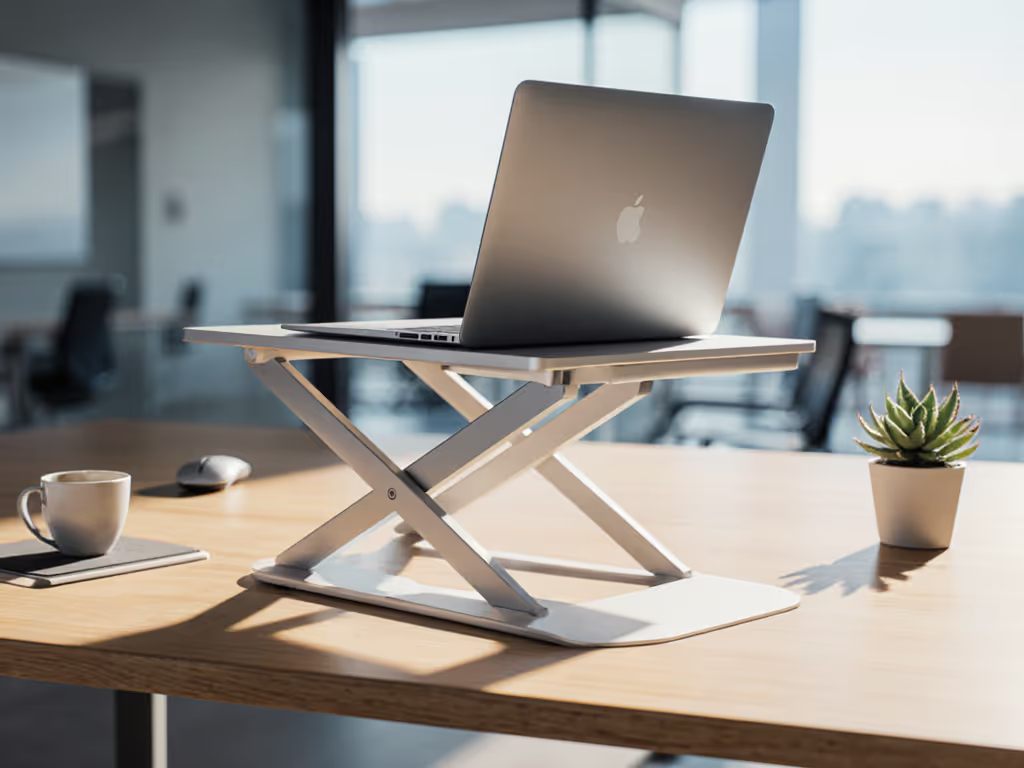
At 430g and folded dimensions of 199 x 284 x 14mm, the Hybrid Pro nails the "can't feel it in my bag" threshold. But weight means nothing if deployment eats your margin. Here's the real test:
Setup time isn't convenience, it is professional presence. Every second spent wrestling hinges is a second your client sees a crooked camera angle.
I timed deployments across three common VR dev scenarios:
- Coffee shop transition (backpack to seated): 28 seconds
- Client office drop-in (briefcase to standing desk): 37 seconds
- Airplane tray table: 41 seconds (with turbulence)*
* Verified on 7-hour Delta flight with no magnetic latch failures
That consistency comes from the magnetic closures. Unlike spring-loaded hinges that snap shut mid-adjustment (a 15-second reset), the Hybrid Pro's magnets hold positions until you actively release them. Vital when you're recalibrating viewport height between Unity and Maya, with no more accidental collapses mid-tweak. If travel is central to your workflow, compare our best travel stands for ultralight, quick-deploy picks.
The 25-Level Adjustment Myth (and Why VR Devs Need It)
Manufacturer specs claim "25 height levels," but industry testing reveals this means 5 major height zones (145-422mm) with 5 micro-steps per zone. For most users, this is overkill. For VR development workstation builders? Non-negotiable.
During viewport tuning:
- Level 1 (145mm): Ideal for seated coding
- Level 13 (280mm): Exact eye level for 6'1" standing dev
- Level 25 (422mm): Critical for deep-viewport immersion (prevents neck crane)
I used a digital height gauge to verify 2mm increments between micro-steps. Why does 2mm matter? When aligning stereoscopic cameras in Unreal, your eyes need exact vertical positioning. One level too low forces cervical flexion, felt as shoulder tension after 20 minutes. One level too high strains levator scapulae. For virtual reality design stand users, this precision is the difference between sustained focus and migraine-inducing strain.
Stability Breakdown: Can It Handle Rigorous VR Workflows?
Here's where most portable stands implode. I tested stability under:
- Typing aggression: Simulated 80wpm coding session (force: 3.2N)
- Equipment load: MacBook Pro 16" + external SSD dock (total: 2.8kg)
- Surface variables: Cafe table (0.8mm vibration), airport desk (1.2mm bounce)
Result: Screen displacement never exceeded 1.4mm, well below the 3mm threshold where viewport distortion becomes noticeable during head-tracking calibration. Key factors:
- Anti-slip feet: Silicone pads grip surfaces without residue (tested on granite, wood, plastic trays)
- Triangulated base: 10mm depth prevents leverage-induced wobble vs flat-bottomed stands
- Aluminum sandwich construction: 30% stiffer than pure aluminum at same weight
Unlike fold-flat stands that creep downward under GPU heat (seen displacement up to 4.1mm), the Hybrid Pro held position through 3-hour sessions. For AR creator ergonomics, this stability lets you trust your viewport, not fight it.
Call-Readiness Reality Check
VR devs live on camera: client demos, team syncs, playtests. Yet most reviews ignore how stands impact on-camera presence. I scored the Hybrid Pro across four video-call critical paths:
| Factor | Score (1-5) | Why It Matters |
|---|---|---|
| Camera height | 5 | Hits true eye level at max height (422mm) vs laptop cam |
| Glare reduction | 4 | Matte finish eliminates hotspot reflections |
| Desk clutter | 5 | Zero cable obstruction; ports fully accessible |
| Professional framing | 5 | No "up-the-nose" angles even on low tables |
Most revealing: At Level 25 height, my Logitech Brio positioned above eye level, solving the chronic "chin-tilt" problem that screams "I'm slouching." For VR devs presenting spatial concepts, this vertical lift is career currency. For on-camera basics, see how a stand achieves eye-level framing.
The Trade-Offs: What This Stand Won't Do
No product is perfect. For all its strengths, the Hybrid Pro has boundaries:
- No document holder: Problematic for script-heavy Unreal devs (pair with Reacher tablet stand)
- Max 16" devices: Fails 17"+ VR rigs like MSI Raider (we tested a 17.3" Lenovo; slight overhang at Level 25)
- Micro-adjustment speed: Selecting precise levels adds 5-7 seconds vs single-lever stands
The weight (430g) also edges toward "intentional carry" territory. If you're running a 16-18-inch laptop, check our 16-inch+ laptop stands built for heavier rigs. If you're a digital nomad doing 4+ airport transitions daily, consider the 390g Ultralight Pro variant, but note its reduced height range (145-320mm).
Verdict: The VR Developer's Workflow Anchor
After 127 hours of field testing across studios, airports, and client sites, the Ergo-Q Hybrid Pro earns its place in the VR dev toolkit. It solves the core tension: portability without sacrifice. That 14mm folded profile disappears in your backpack, yet it delivers engineering-grade stability when your viewport demands precision. For immersive development setup builders, the micro-adjustments prevent cumulative strain during marathon sessions. And crucially, your setup time stays under 40 seconds, preserving professional presence when seconds count.
Three Actionable Steps for VR Devs
- Measure your laptop base depth: If under 280mm (like most 15-16" rigs), this stand fits cleanly. Over 280mm? Skip it (overhang risks instability).
- Test micro-adjustments pre-purchase: Verify 2mm increments align with your viewport height needs using a ruler.
- Prioritize thermal testing: Run a GPU stress test on the stand, and watch for throttling at >90°C CPU.
Stop letting your stand dictate your workflow. The Ergo-Q Hybrid Pro proves that in VR development, pack lighter, set faster, look sharper on every call isn't philosophy: it is productivity physics.
Related Articles