Desktop Laptop Stand for Ergonomic Night Work
By Maya Okafor • 3rd Feb
Your 5-Minute Setup for Night Work: Desktop Laptop Stand Secrets That Preserve Your Vision
Late-night coding sessions, study marathons, or international client calls don't have to wreck your posture or sleep cycle. A properly configured desktop laptop stand transforms your ergonomic night work experience from painful compromise to sustainable rhythm. Forget "one-size-fits-all" solutions that leave you squinting or slumped. Today I'll show you how to collect three critical measurements in five minutes (measurements that balance screen height with circadian health). Confidence starts with numbers you can collect before your next coffee refill. For step-by-step measurements, use our eye-level stand height calculator.
Why Night Work Demands Different Ergonomics
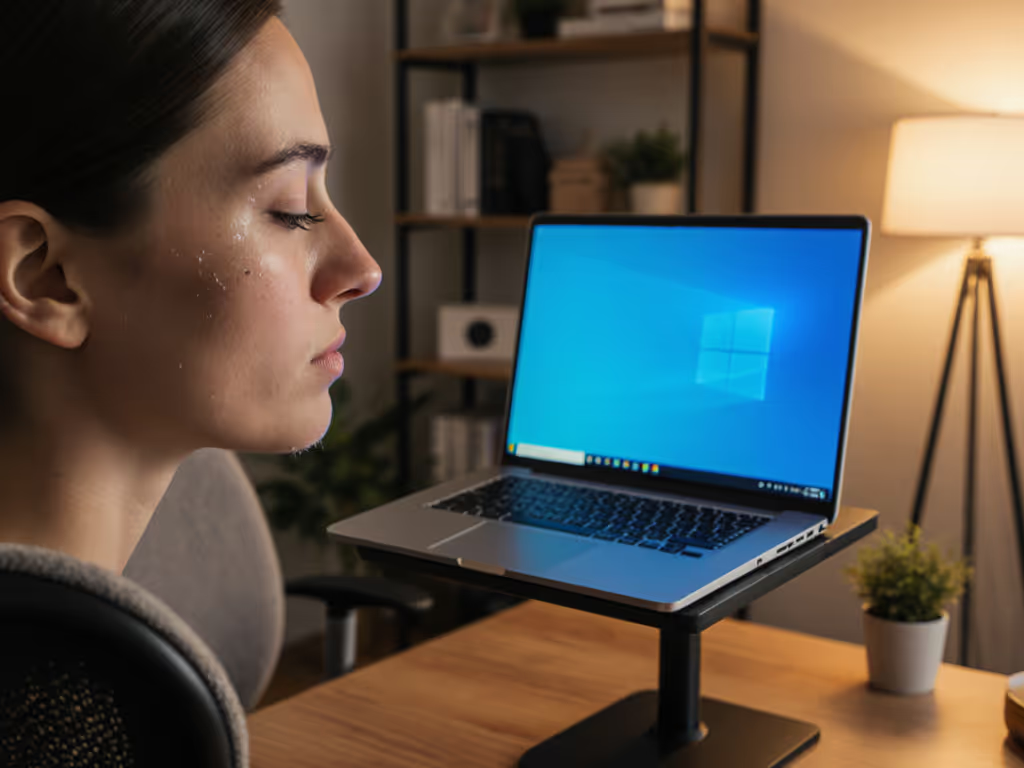
Daytime ergonomics focuses on visibility and productivity. Night work? It's a delicate dance between circadian rhythm ergonomics and physical comfort. Bright screens disrupt melatonin production, but straining to see causes neck tension. I recently helped a UX designer whose 2AM work sessions left her with stiff shoulders and groggy mornings. Instead of recommending a stand model, we measured her eye height, desk clearance, and laptop thickness using a ruler and a novel. Ten minutes later, she had a stable setup that preserved her night vision while keeping her spine neutral. That's the power of starting with measurements, not vibes.
The Three Night-Ready Measurements (Grab Your Tape Measure!)
Pro Tip: Do these measurements while wearing your night work outfit (hoodies change shoulder height!)
1. Eye-to-Desk Distance in Your Night Posture
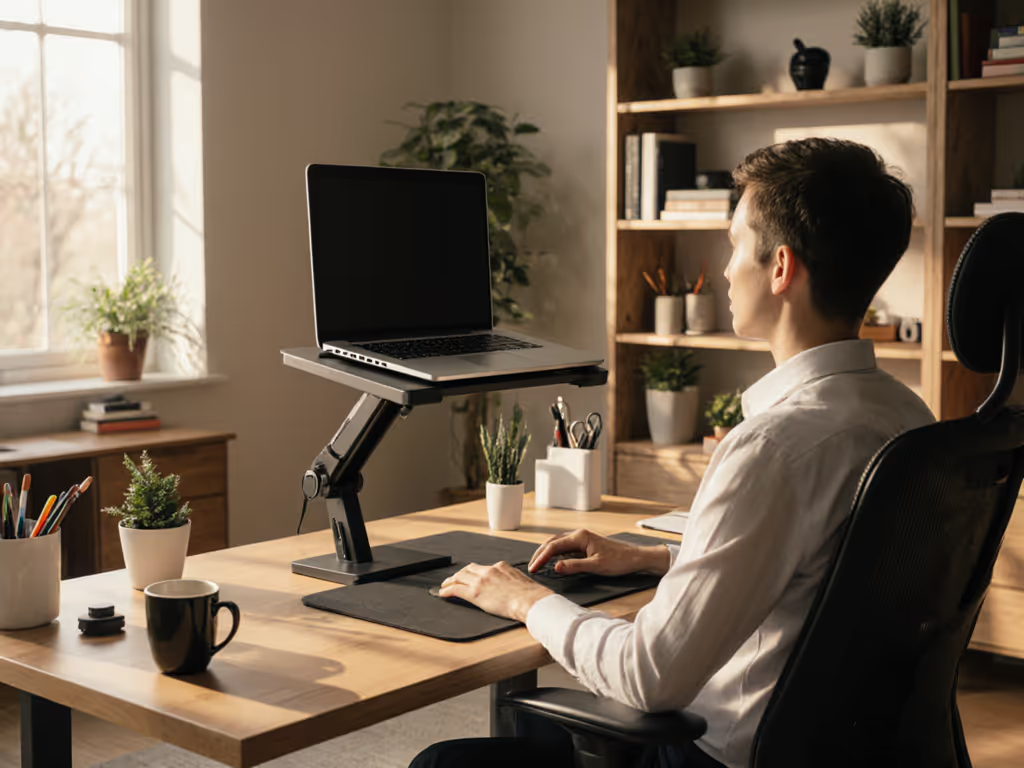
Sit exactly as you do during late hours (yes, in your pajamas). Rest your head naturally against your chair back. Have a friend measure from your eyebrows straight down to the desk surface. This "slump factor" measurement is crucial, most people sit 1-2 inches lower at night. Write this number down. This is your target lift height for the desktop laptop stand.
2. Available Clear Space Under Your Monitor
At night, you likely dim other lights. Measure the empty desk area where your laptop will sit plus 2 inches on all sides. Why? You need space for a small task light aimed away from your screen to avoid glare. This ensures your low-light workstation has breathing room for visibility without screen reflections. My rule of thumb: if your stand eats more than 70% of this space, it's too bulky for night shifts.
3. Laptop Profile With Keyboard Access
Place your laptop on the desk with its screen closed. Stack books until the top matches your eye height measurement. Measure the stack's height, that's your minimum stand height. Now open your laptop to working position. Measure how much the keyboard angles upward. This "typing slope" number tells you how much tilt your stand must accommodate without forcing wrist extension. Tall users often need 3-4" lift with 15° tilt; petite users may need 5-6" with minimal tilt.
Building Your Night Vision-Preserving Setup
Step 1: Position for Circadian Rhythm Ergonomics
Your desktop laptop stand shouldn't just lift, it should angle. Set your screen so the top edge aligns with your eyebrows (not center of screen). For the science behind this alignment, see our biomechanics of pain-free posture guide. This slight downward gaze:
- Reduces blue light exposure to retinal ganglion cells
- Maintains peripheral awareness of room lighting
- Prevents "turtling" your neck forward
Step 2: Implement Blue Light Reduction Through Geometry
Forget software filters that distort colors. Instead:
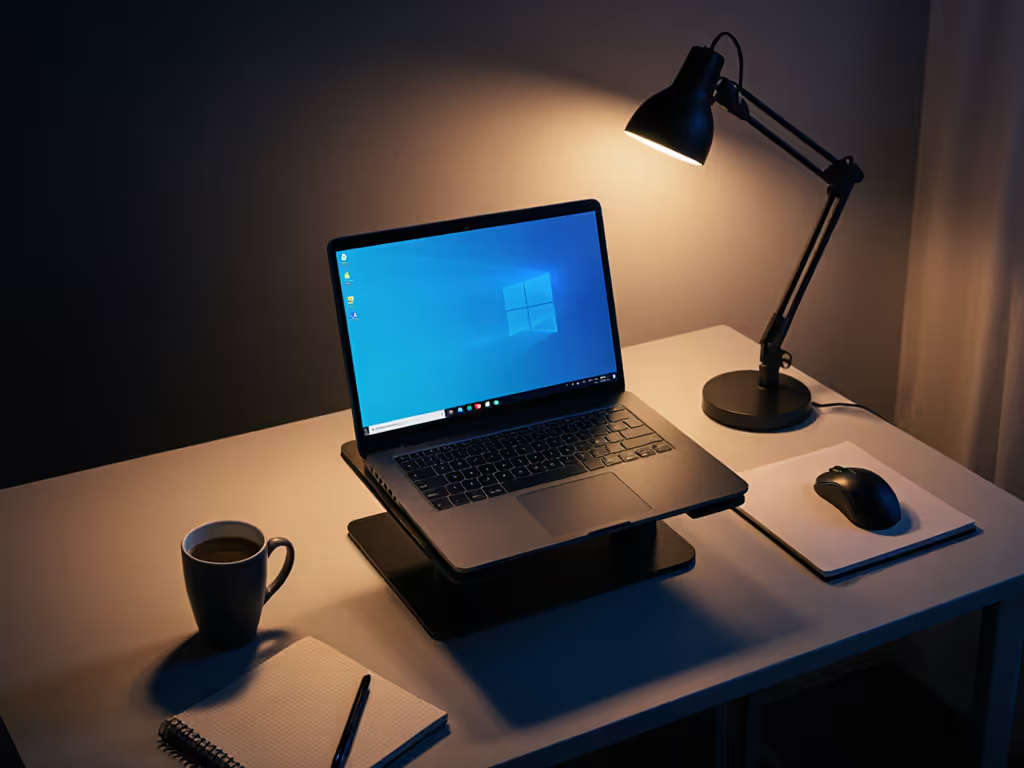
- Tilt screen backward 10-15° (use folded paper under the stand's rear feet)
- Position a warm LED desk lamp behind your laptop
- Keep screen brightness at "just readable" level (50-70 nits)
This physical approach preserves night vision by minimizing direct glare while maintaining adequate ambient light (critical for coders and designers who need color accuracy). If glare is your main issue, compare glare-reducing laptop stands for different lighting environments.
Step 3: Create the Night Comfort Range
Most stands promise "adjustability" but fail at night's unique demands. Your ideal comfort range spans:
- Minimum height: Matches your eye-to-desk measurement
- Maximum height: Allows standing without craning neck
- Tilt range: 0° to 20° backward (prevents wrist extension with external keyboard)
I've seen brilliant developers overlook this range, buying stands that only lift or tilt. Quick win: test stands by placing your laptop on books propped at 15°. Can you type comfortably for 20 minutes? If yes, that's your range.
Troubleshooting Common Night Work Pitfalls
"My Stand Wobbles When I Type"
This isn't just annoying, it disrupts your low-light focus. Fix it by: Also consider your desk material—our tests of stand stability on glass, wood, and metal explain why wobble can vary by surface.
- Adding non-slip pads under stand feet
- Choosing stands with weight distributed under the laptop (not cantilevered)
- Ensuring the stand base is at least 2" narrower than your desk depth
"I Can't See My Keyboard in the Dark"
External keyboards solve this, but create new posture issues. Instead:
- Use stands with open bottoms for under-laptop lighting
- Tape a small LED strip along the desk edge behind your keyboard
- Keep brightness below 10% (enough to see keys but not flood the workspace)
"My Eyes Feel Dry After Midnight"
This often stems from screen angle forcing unnatural blinking. Adjust your desktop laptop stand until:
- Chin stays parallel to the floor
- You can see the entire screen with minimal eye movement
- Forehead doesn't wrinkle from squinting
Your Action Plan for Tonight
Skip the endless stand reviews. Before bed tonight:
- Measure your eye-to-desk distance in your night posture (30 seconds)
- Trace your laptop's footprint plus 2" buffer on scrap paper (15 seconds)
- Stack books to eye height and measure the pile (45 seconds)
That's it. Your ergonomic foundation in under two minutes. Now you know exactly what height range and base size you need. Tomorrow, compare stands against your numbers, not marketing claims. You'll spot incompatible designs instantly.
Remember my client who ached at 2AM? Her measurements revealed most "universal" stands were 1.5" too short for her posture. Once she had the numbers, she found a forgiving design with a wider comfort range. No more shoulder pain. No more sleep disruption. Just quick wins from data you collected faster than microwaving dinner.
Start with measurements, not vibes, find your beginner-friendly fit. Your night vision (and tomorrow's energy) will thank you.
Related Articles