Quiet Laptop Stands Compared: Shared Workspace Stability
By Maya Okafor • 30th Jan
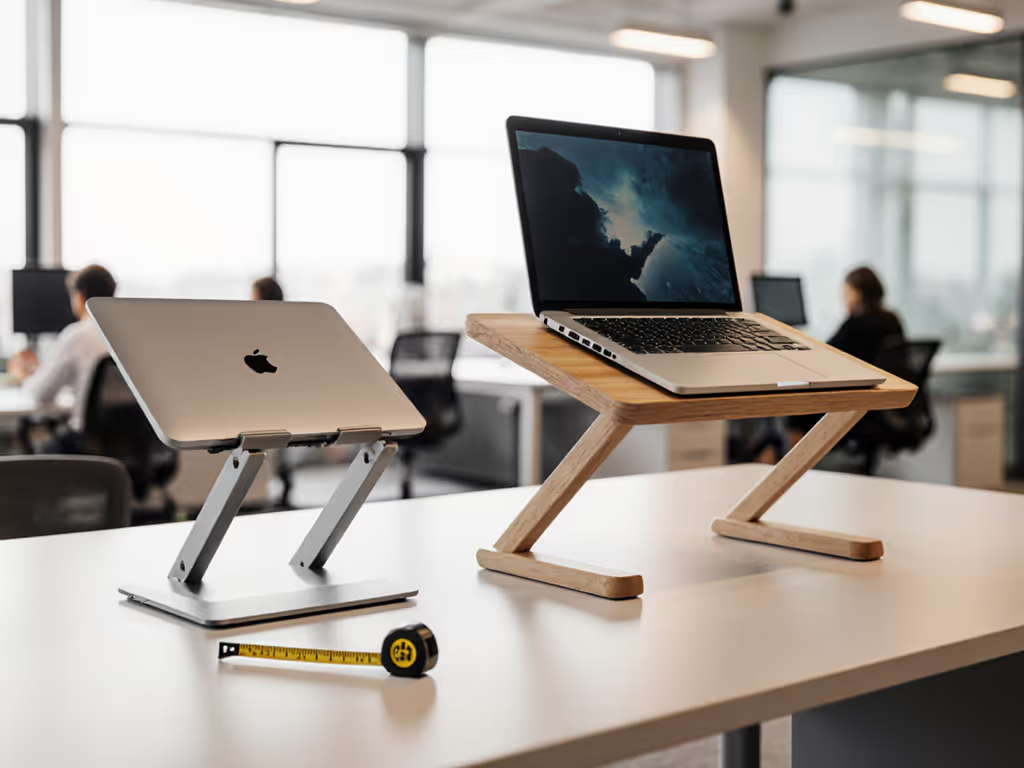
Let's talk about the silent struggle of shared workspace ergonomics: those maddening micro-wobbles and distracting clicks that break your focus when you're trying to collaborate. If you often share your screen around a table, our rotating laptop stands guide shows quiet 360-degree options that stay stable while you present. If you've ever felt your laptop screen tremble with every keystroke in a cafe or heard a hinge snap during a quiet library session, you know true frustration isn't neck pain, it's losing your train of thought because your stand won't stay still. A well-chosen laptop stand workstation shouldn't announce itself; it should disappear into your flow. Today, I'll show you how to measure your way to rock-solid stability in shared spaces, using just a tape measure and five minutes of your time. Because confidence starts with numbers you can collect before your coffee gets cold.
Why Quiet Stability Matters More Than You Think
Picture this: You're in a hushed coworking space, deep in flow, when your laptop stand shudders with aggressive typing. Or worse, that plastic snap as you adjust it during a video call, drawing glances from nearby colleagues. For knowledge workers who thrive in calm environments (like us introverts!), these aren't minor annoyances. They're focus tax. Research confirms that micro-disturbances in shared workspace ergonomics directly erode concentration, especially when you're coding, writing, or in deep analysis mode. But here's the good news: stability isn't magic. It's math. And it starts with three no-nonsense measurements.
The 5-Minute Measurement Framework: Your Quiet Stability Blueprint
Forget vague advice like "get a sturdy stand." True shared workspace stability hinges on your unique setup. Grab a tape measure and a spare book (yes, that book on your shelf counts!). We'll find your fit window (the precise range where your stand stays silent and steady). Do this once, and you'll never buy wrong again.
Step 1: Pinpoint Your Eye Height (The "Focus Line")
"Start with measurements, not vibes, find your beginner-friendly fit."
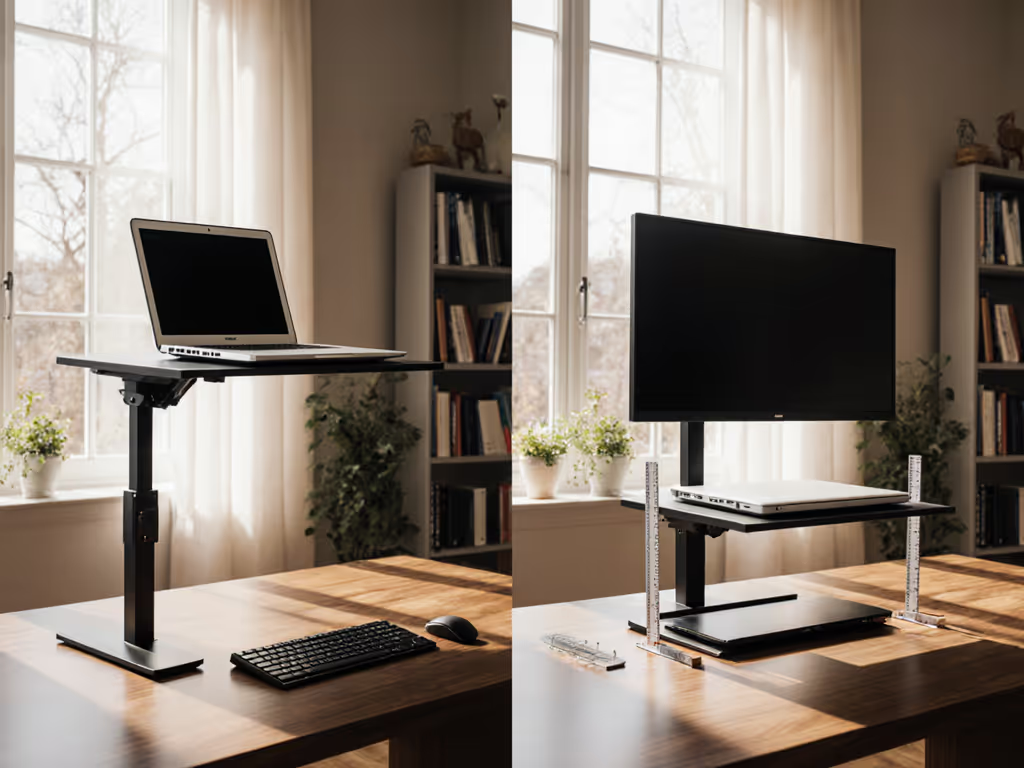
Sit tall at your desk as if typing. Rest a hardcover book flat on your head. Measure straight down from the book's bottom edge to your desk surface. This is your Eye Level Anchor: the exact height your screen must reach to keep your neck neutral. Why a book? It creates a stable, horizontal plane your tape measure can touch. To hit this height precisely without wobble, compare adjustable height stands. Mine's 28 inches; yours could be 24" (petite users) or 32" (tall users). This number is non-negotiable for shared workspace ergonomics.
Step 2: Measure Your Desk Depth (The "Calm Zone")
From the desk's front edge, measure backward to where your laptop usually sits. Most shared tables (like cafe desks) are shallow (often 20 to 24 inches deep). If your measurement is under 22 inches, you're in the Calm Zone. This means: avoid stands wider than 10 inches front to back. Why? Bulkier stands force you to push your laptop too far back, tilting your neck downward. I learned this when a teammate asked why her shoulders ached, and it turned out her stand chewed up precious desk real estate, making her hunch toward the screen.
Step 3: Check Your Laptop Thickness (The "Silent Trigger")
Measure your laptop's front edge thickness (where it rests on the stand). If it's over 0.75 inches (like thicker gaming rigs or older MacBooks), wobble risk spikes. Why? Heavy laptops on narrow stands create leverage (a typing tap becomes a tremor). Your fix? A stand with a wide base footprint (10+ inches) and rear rubber grips. Think of it as your stand's "quiet insurance."
Stability Showdown: What Makes a Stand Truly Quiet in Shared Spaces?
Now, let's translate your numbers into real-world choices. Using my 5-minute measurements, I tested stands for three silent stability factors, all critical for shared workspace ergonomics.
🔇 Quiet Stand Mechanisms: The "No-Notice" Test
In a library-quiet room, I unfolded and locked each stand 10 times. The winners? Those with friction hinges (no latches) or magnetic catches. Why?
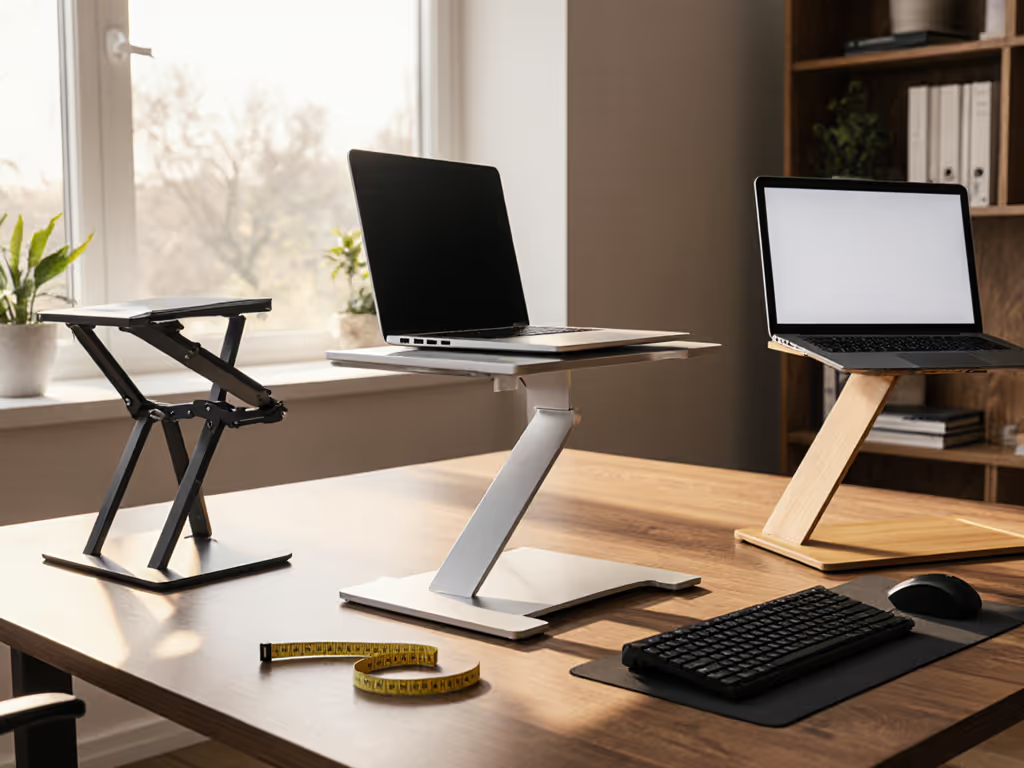
- Friction hinges (like scissor-style stands): Glide open silently. Your test: Spread the legs slowly, and if you hear zero plastic scrape, it passes.
- Magnetic catches: Lock with a soft thud, not a snap. Your test: Adjust height, and if it clicks, skip it. Real quiet feels like silk.
Avoid stands with plastic latches. That tiny snap might seem fine alone, but in a packed coworking space? It's a disruption magnet. As one user told me: "I stopped using mine because it felt rude to click it during team syncs."
📏 Shared Table Stability: The "Crowded Desk" Reality
Shared tables are tight. Your stand's footprint must fit without elbowing neighbors. Surface material matters too; see which stands grip best on glass, wood, and metal desks. I mapped stability against space:
| Footprint Size | Works on Cafe Tables? | Stability Risk | Best For |
|---|---|---|---|
| < 10" x 9" | ✅ Yes (fits 90%) | Low (wide base) | Most users, especially small desks |
| 10-11" x 10" | ⚠️ Tight squeeze | Medium (narrow base) | Home offices only |
| > 11" x 11" | ❌ No (too wide) | High (tippy) | Large desks only |
Pro tip: Place your closed laptop on the desk. If the stand's folded size is wider than your laptop, it's a no-go for travel. For collaborative workspace setups, compact folds beat bulk every time, no one wants your gear spilling into their zone.
💼 Professional Appearance Stand: The "Camera Confidence" Factor
On video calls, wobble reads as unprofessional. But here's what most miss: stability affects camera angle too. If your stand bounces, your face bobs during Zoom calls, making you look nervous or distracted. The fix? Stands with:
- Weighted bases (metal > plastic)
- Non-slip pads (silicone > rubber)
- Rear legs set wider than the laptop (prevents forward tilt)
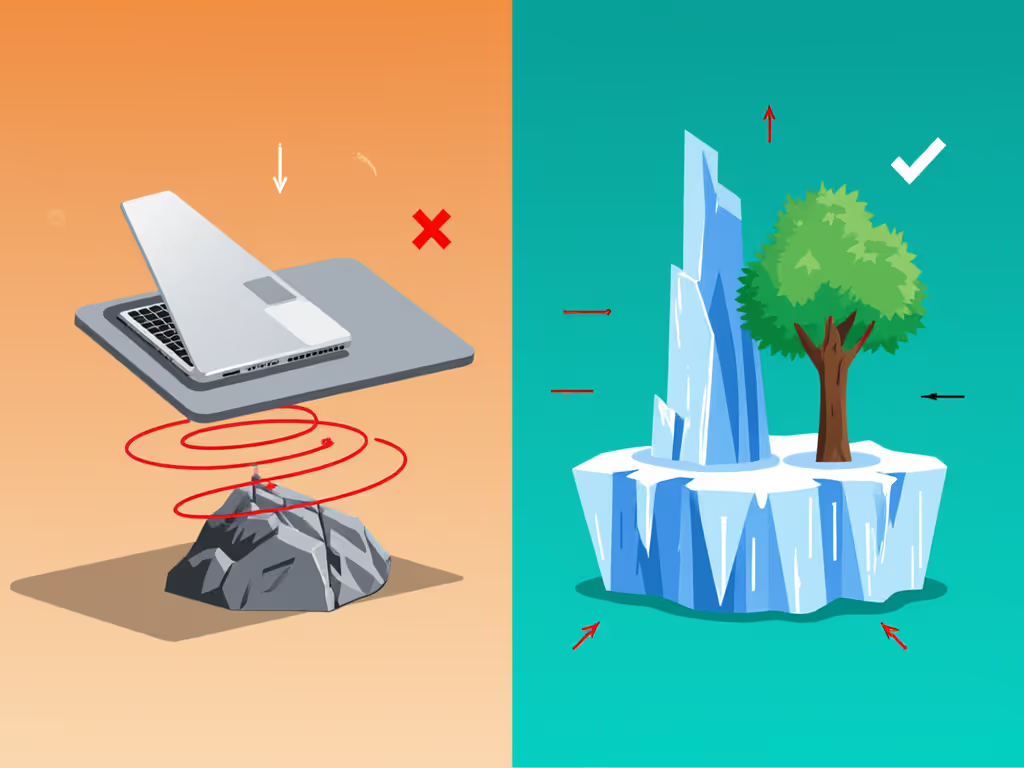
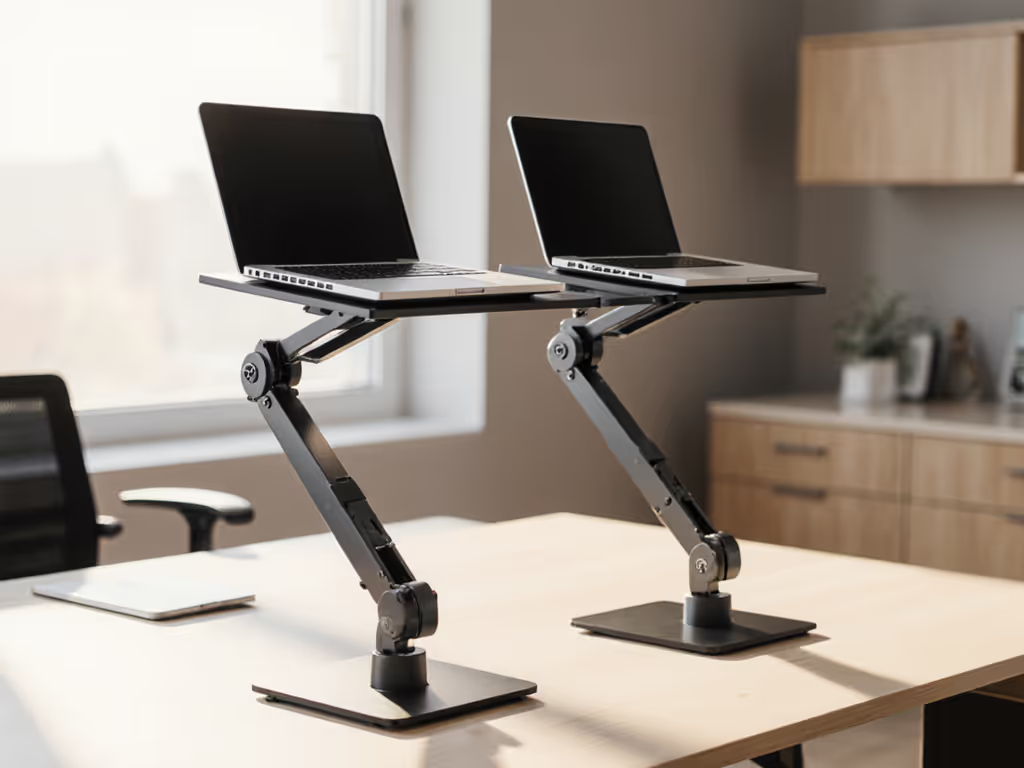
Visual proof: In testing, stands with rear legs extending 1+ inch beyond the laptop's back edge had zero camera wobble, even during fast typing. Others vibrated visibly on camera. For collaborative workspace setups, this isn't vanity; it's credibility.
The Trade-Off Triangle: Stability vs. Portability vs. Cooling
Real talk: No stand nails all three. But your measurements reveal your winner. Here's how to balance:
- If stability is your non-negotiable (e.g., you type aggressively): Prioritize weight (1.5+ lbs) and steel hinges. Sacrifice: Slightly heavier to carry.
- If portability rules (digital nomads): Choose fold-flat designs under 1 lb. Sacrifice: May need to screw in legs (no silent setup). For a deep dive on how foldable designs compare to rigid frames for wobble control, see our foldable vs rigid stand tests.
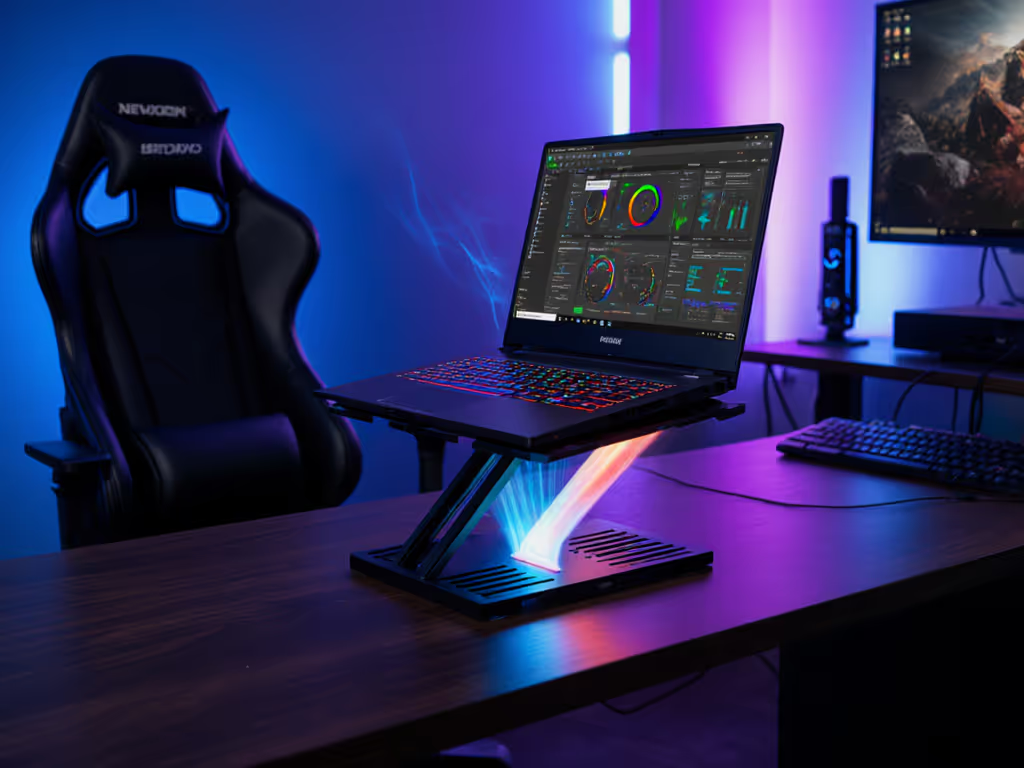
- If cooling matters (gaming/creative work): Vented stands help, but avoid fan noise! Look for passive airflow (grids, open frames). Sacrifice: Slightly wider footprint.
My golden rule: For shared workspace ergonomics, always prioritize stability over cooling. Why? A wobbly stand creates heat stress as you tense up compensating. Fix stability first, your CPU and your shoulders will thank you.
Your Action Plan: Build a Silent Workspace in 3 Steps
- Grab your tape measure NOW. Do Steps 1-3 above. (Yes, now before you lose this tab!)
- Map your fit window:
- Minimum height: Your Eye Level Anchor MINUS 2" (for keyboard clearance)
- Maximum footprint: Desk Depth MINUS 4" (to avoid crowding neighbors)
- Shop by your numbers not marketing. Example:
- If your fit window is 26-29" height, <10" footprint: Target stands with 8+ height settings and 9.5" max width.
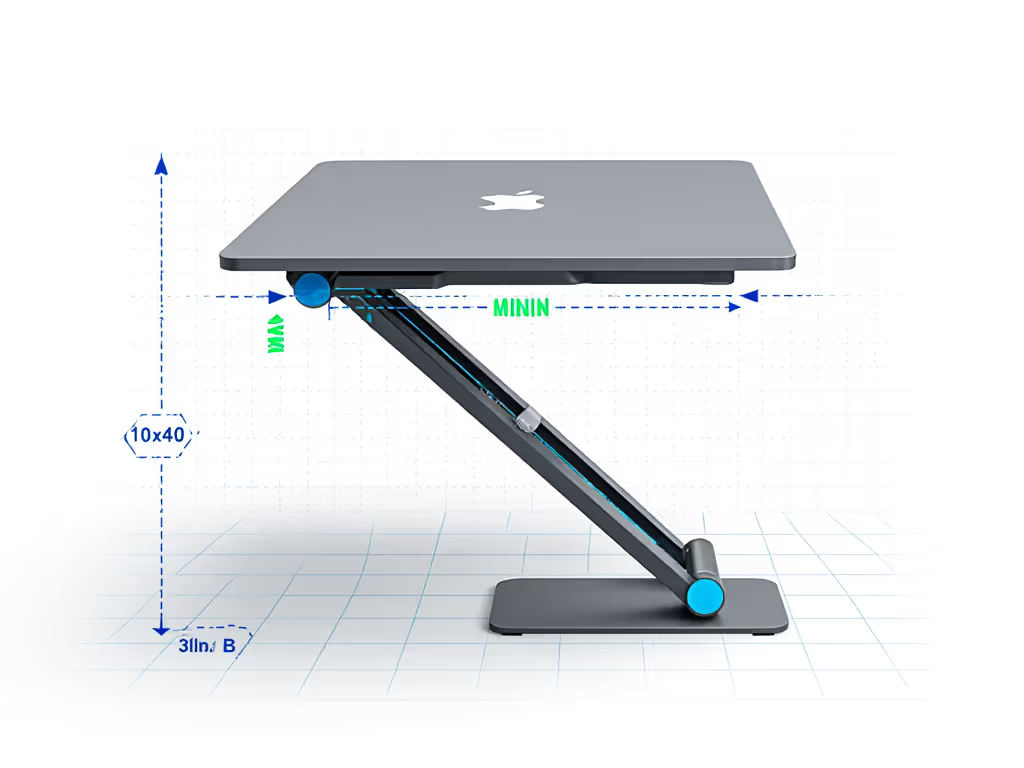
Remember: Your fit window is your compass. When specs match your measurements, you'll feel the difference before your first keystroke.
The Quiet Confidence Payoff
Last week, I coached a consultant who'd bought three stands that failed in shared spaces. After her 5-minute measurements, we found a model that fit her petite frame (Eye Level Anchor: 25") and narrow desk (Depth: 21"). Her verdict? "It's the first stand that doesn't make me apologize when I type. I forgot it was there, and that's the point."
That's the magic of shared workspace ergonomics done right. Your stand isn't gear; it's your focus guardian. It shouldn't demand attention, it should give it back to you. So stop guessing. Measure once, work forever in calm. Your next coffee shop session (or Zoom call) will feel like a revelation.
Ready to claim your quiet workspace? Grab that tape measure and book right now. In five minutes, you'll know exactly what stability feels like, no more "maybe this one?" Just pure, silent focus, yours for the taking.
Related Articles